
Black Friday 2026 EPOS Checklist for UK Retailers
Get your EPOS system ready for Black Friday 2026. A practical UK retail checklist for testing offers, counting stock, taking payments and handling refunds.
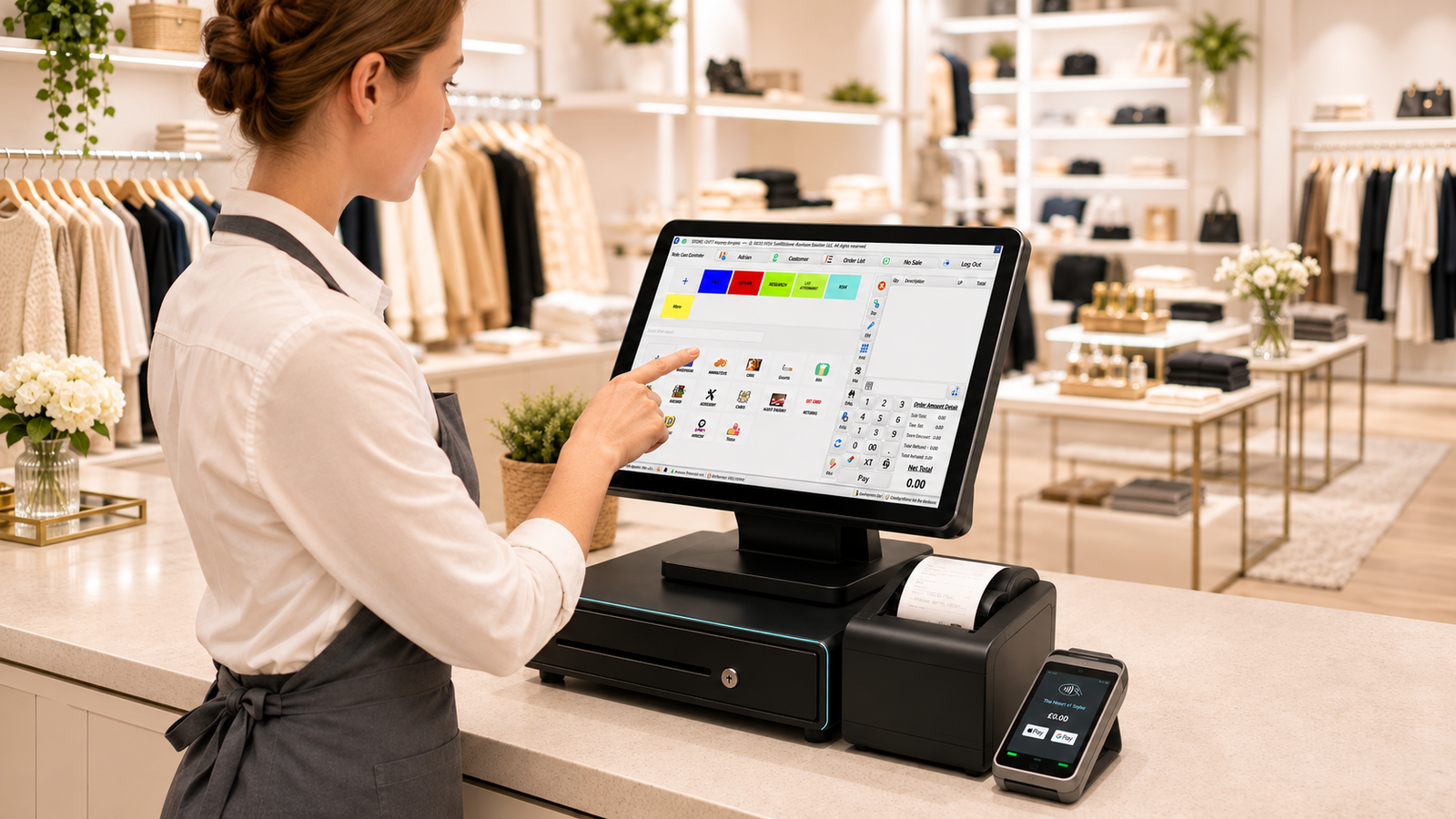
Get your EPOS system ready for Black Friday by testing your offers at the till, counting the stock you plan to promote and checking how your team will handle card payments and refunds. Run those tests with the staff who’ll work the busiest shift. A ten-minute rehearsal can catch a wrong price or a failed payment workflow while there’s still time to fix it.
Black Friday falls on Friday 27 November 2026, and some UK retailers start their sales earlier in the month. Use the day your own promotion goes live as your deadline. Which? Black Friday guide
1. Check which products to promote
Start with the products you’re considering for the offer. Pull unit sales and returns for last year’s promotion if you ran one, then look at recent Fridays and Saturdays. If last year’s offer ran for four days and this year’s lasts one, compare equivalent days or trading hours. Note any stockouts as well. A line that sold 12 units before lunch and then ran out may have had more demand than its daily sales figure suggests.
Then check the gross profit per unit at the promotional price. Suppose a Birmingham mobile accessories shop sells a charger for £20 excluding VAT and pays £10 per unit. Dropping the price to £15 cuts gross profit per unit from £10 to £5. The shop needs to sell twice as many chargers to generate the same product gross profit, before any extra campaign or staffing costs. That gives the owner a concrete target to weigh against available stock and past sales.
Black Friday can shift when people buy. The Office for National Statistics found that November 2025 retail sales volumes in Great Britain fell by 0.1% month on month after seasonal adjustment. Your own sales history is a better starting point for deciding how much stock to order for your shop.
2. Count the stock you’re putting on offer
Physically count the items you’re advertising, including the variants you’ll feature. Check the shelf, the stockroom and any display area. Set aside damaged units and stock already reserved for collection. If the EPOS shows 30 units and six are committed to existing orders, your team should have a way to see that only 24 are available for the promotion.
When a count differs from the till, look for recent deliveries, returns or transfers that haven’t been recorded. Then update the stock record through your normal adjustment process. If you sell online as well as in-store, confirm how quickly the two channels update. Where stock updates are manual, allocate a quantity to each channel and give someone responsibility for reviewing it during the day.
In a convenience shop, the awkward item might be a multipack. Check that scanning a single can and scanning a sealed pack update stock as intended, especially if staff break packs to sell individual cans. If you’re comparing tills, ask to see how barcode scanning, stock updates and low-stock alerts work on the same product. Zivaro retail EPOS systems
3. Test the offer at the till
Build a few test baskets before you print shelf labels or post the deal on social media. Start with a qualifying item, then add a similar item that should stay at full price. If it’s a bundle, scan an incomplete bundle first and then add the final item. Check what happens if a cashier removes a qualifying item after the discount has applied.
Try these checks on every till you plan to open:
- Scan the exact barcode from the shelf, including each eligible size or colour.
- Confirm the till total and receipt match the advertised offer.
- Check what happens when a second discount or a staff override is applied.
- Verify when the offer starts and ends, and who can change it.
For example, a Leeds gift shop offering three selected candles for £20 could test three eligible candles, then two eligible candles and a premium candle. Those two baskets should produce different results. The till team should know how to spot that difference before a customer queries it.
4. Rehearse payments, refunds and downtime
Run a sale from scan to receipt
Set up the checkout as it will look on the day. Make sure the scanner reads your most common barcodes, the receipt printer has spare rolls nearby and the card machine is charged or connected to power. If your terminal is integrated, check that the total passes from the till to the terminal and that an approved payment closes the sale correctly. Use your provider’s test process where available. Zivaro card machines
Agree what staff should do when a payment is unclear
Show staff where to check the terminal or payment history if the till and terminal appear to disagree. For example, if the terminal says approved and the till still shows an open basket, staff should follow your provider’s reconciliation steps before asking the customer to tap again. Give each shift a named person to handle payment exceptions and refund approvals.
Check what your setup can do during an internet outage. Some till and payment functions can behave differently when the connection drops. Ask your provider to demonstrate any supported fallback, explain its limits and show how to reconcile transactions when the connection returns. Keep the support number beside the till.
Practise a partial refund
Pick a completed test sale with two items and a discount. Walk through returning just one item and check the refund amount and receipt. Then check how the stock record changes when the product can go back on the shelf and when it’s damaged. That matters if you’re continuing the promotion over the weekend and stock is tight.
5. Review what the promotion actually did
Set aside 20 minutes after the campaign to review the EPOS reports. Start with the products you promoted and pull units sold, discounts, returns and gross profit where your reports include reliable costs. Compare those figures with a recent comparable trading period. Note if the offer began earlier this year, if you opened longer or if a product sold out before your busiest hours.
Look for one change you can make before Christmas. A high-selling gift bundle that ran out by midday might need a larger allocation next time. If takings rose but gross profit fell, check which lines absorbed the biggest discounts. If the busiest checkout hour also had the most voids, review whether the offer was difficult for staff to apply or explain.
See how your busiest checkout would work on Zivaro
Bring one real offer, a few barcodes and an example refund to a free Zivaro demo. We can walk through a retail sale, show how stock and integrated payments work, and discuss what you’d need to set up before your next promotion. Call 0333 038 9707 or request a walkthrough. Book a free Zivaro demo
Frequently asked questions
Do I need a new EPOS system for Black Friday?
If your current till can apply offers accurately, keep stock up to date and handle payments and refunds during a busy shift, start by testing it. If you’re considering a switch, check how much time you’ll have for product migration, staff training and a full checkout rehearsal.
Can I run Black Friday promotions across two tills?
Yes, if your EPOS setup supports shared promotions across registers. Verify that both tills apply the same rules and prices, and check whether changes appear immediately or after a sync.
Which EPOS reports should I check after Black Friday?
Start with product sales, discounts, returns and sales by hour. Add gross profit by product if your costs are current. Together, these reports show which offers sold, when your checkout was busiest and whether those sales earned enough to repeat the promotion.
More EPOS guides

What Data Should You Move When Switching EPOS Providers?
Switching EPOS providers? Learn which products, barcodes, stock and sales records to move, and how to test your new till before going live.
Read article
Black Friday Sale 2026: How UK Independent Shops Can Run a Profitable Promotion
Plan a Black Friday sale that works for your shop. Learn how to price a promotion, prepare stock and measure what the event earned.
Read article
Can You Switch EPOS Providers and Keep Your Existing Till Hardware?
You may be able to reuse your till, scanner or printer when you switch EPOS providers. Here’s how to check what will work before you buy
Read article