
How to Handle Christmas Returns and Exchanges with Your EPOS
A gift receipt, a discounted item and a queue at the till. Here’s how to find the original sale, handle the return and keep your payment and stock records in step.
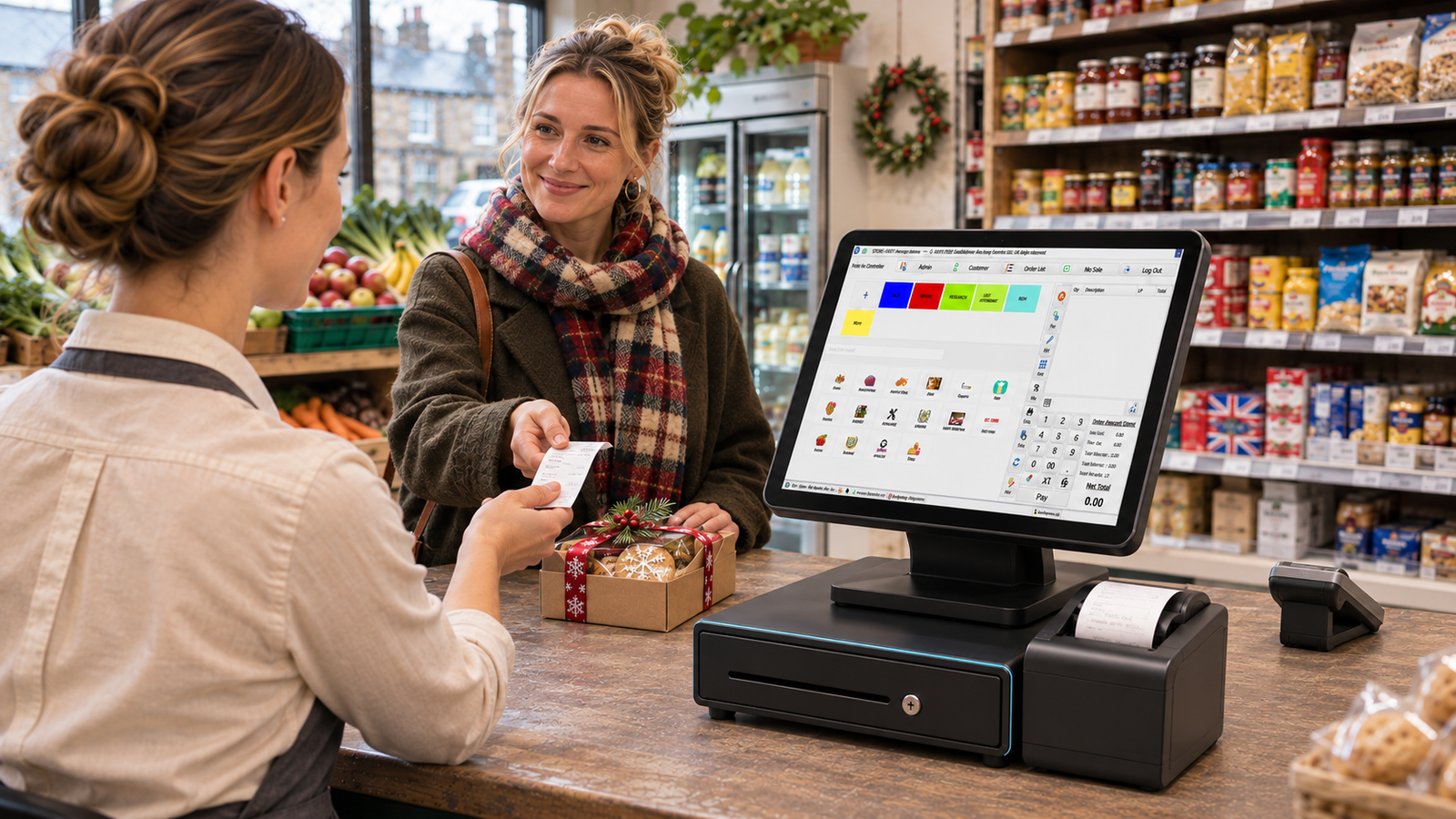
Start every Christmas return by finding the original sale in your EPOS system. Check what the customer paid, confirm whether they’re entitled to a refund or qualify under your shop’s returns policy, then record what happens to the item. At closing time, match card refunds in your EPOS to the payment provider’s records. Those steps help you avoid refunding the wrong amount, returning damaged goods to saleable stock or issuing a refund twice.
Set up the process before you start selling Christmas gifts. A customer who bought a jumper in November might bring it back in January, when a different member of staff is on the till and the same jumper is already in the sale.
Set up your Christmas returns policy
Give staff the dates and options in one place
If you offer an extended Christmas returns window, write down the eligible purchase dates, the last date for returns and what customers can expect for a change of mind. Decide what staff should do when someone brings a gift receipt, wants to swap a size or can’t provide a transaction reference.
For example, a Leeds gift shop might offer exchanges on eligible gifts bought during December until 15 January. Its staff need to know whether that policy covers online orders collected in store, which proof of purchase to ask for, and when to call a supervisor. Put the same information on receipts, at the counter and on your website so customers get a consistent answer.
Make sure staff know when statutory rights apply
For an in-person purchase, a change of mind generally doesn’t require a refund under UK law. Faulty or misdescribed goods can trigger statutory remedies, and sale items carry the same statutory rights as full-price items. Distance sales such as online orders have separate cancellation rules, with exceptions. Check those rules before writing a policy that covers several sales channels. GOV.UK guidance on accepting returns and giving refunds
Find the original sale and check the price
Ask for the receipt, gift receipt or order number and use it to look up the transaction. If there’s no receipt, check whether the customer can provide other proof of purchase, such as a bank statement, and use the details to narrow the search if your EPOS allows it. Compare the date, amount, item and variant. A bank statement can show the total paid while the till record can show which lines were in the basket. GOV.UK guidance on proof of purchase
Check three details before confirming a refund:
- The exact item. Match the barcode, size or colour to the original sale.
- The price paid. Check the line amount after any applicable promotion.
- Previous returns. Check whether some or all of the quantity has already been refunded.
Imagine a Birmingham clothing shop sold a cardigan for £36 during a December promotion. It’s now marked £45. Looking up the sale gives the cashier the £36 purchase amount, even if scanning the cardigan brings up today’s price. If the customer originally bought two cardigans and already returned one, the sale history helps staff check the remaining quantity.
If you’re comparing tills, ask how staff can move from an order lookup to the original product and payment records. Try the steps with a sale from a previous day and, if you have more than one shop, a transaction from another branch. Explore Zivaro’s retail EPOS system
Process exchanges and partial refunds
Record both sides of a size or colour exchange
A customer brings back a medium jumper and takes a large one. If the exchange is approved and the returned jumper can go back on the shelf, the medium stock count should increase by one and the large stock count should decrease by one. If the replacement has a different price, check the difference and record any additional payment or refund through your normal workflow.
Try this with a real product in a test environment before Christmas. Scan both barcodes and look at the stock record afterwards. If your EPOS handles an exchange through a return and a new sale, show staff how to complete and link those steps using your process. Handing over the replacement before recording it makes the stock discrepancy harder to explain later.
Check how the till handles a discounted basket
Partial refunds need extra attention when a customer bought a bundle or qualified for a basket discount. Suppose a shop sold two accessories for £24, with the £4 discount recorded as £2 off each £14 item. Each line shows £12 after discount. Use the original receipt and confirm how your EPOS and the applicable return terms handle that promotion before quoting the amount for one returned item.
For card refunds, follow your provider’s workflow for the original payment. If the customer paid with more than one method, check how your setup handles the split. If a terminal loses its connection after a refund is submitted, verify the status with the provider before trying again. Explore Zivaro card machines and integrated payments
Decide where returned stock goes
Check the item’s condition at the counter. An unopened scarf with its tag attached may be ready to resell. An opened set with a missing piece might need a separate holding area while a manager decides what to do. Give staff a labelled place for items awaiting inspection so they can finish serving the customer without putting questionable stock back on the shelf.
Where your EPOS supports return reasons or stock adjustments, use a short list the team can apply consistently. Reasons such as wrong size, duplicate gift, damaged and missing parts give you a starting point for January’s review. If several returns cite the same missing part, check the remaining packs and speak to your supplier. If one size comes back repeatedly, review the product description or sizing guidance.
Watch the distinction between physically holding an item and having it available to sell. If a returned item is awaiting inspection, check whether your online stock or other branches can still see it as available. Read Zivaro’s guide to planning stock orders with EPOS
Reconcile refunds at the end of the day
Pull the EPOS refund report and compare its card entries with your payment provider’s refund history for the same period. Start with the amount and transaction reference. Check any differences against the status and time of the refund, as settlement can follow a different timetable from the till report. Keep a short record of anything still pending and who will follow it up on the next shift.
Take a closer look at high-value refunds and repeated returns against the same sale. For a two-branch retailer, it’s also worth checking whether a return was recorded against the branch that received the item and whether the original sale remains easy to trace. The question at closing time is whether someone else can follow the record from sale to refund to stock adjustment.
See the returns workflow in a Zivaro demo
Bring one example from your shop, such as a gift exchange, a refund on a discounted item or a return from another branch. Ask to see the steps your team would take at the till and how you’d check the sale, payment and stock records afterwards. Call 0333 038 9707 or request a walkthrough. Book a Zivaro EPOS demo
Frequently asked questions
Can we accept a Christmas gift return with a gift receipt?
Your voluntary policy can set the options for eligible change-of-mind returns with a gift receipt. Tell staff what to do when the item is faulty, or when they can’t match the gift receipt to the sale. GOV.UK guidance on refunds and proof of purchase
Can another branch process the return?
That depends on your policy and whether the branch can access the original sale and handle the refund through your payment setup. Test that workflow before offering it to customers, including where the returned stock will be recorded.
Which EPOS reports should I review after Christmas?
Start with refunds by product, return reasons and stock adjustments. Compare returns with units sold for the same product and sales period where you can. A popular product can generate more returns simply because you sold more of it.
More EPOS guides

What Data Should You Move When Switching EPOS Providers?
Switching EPOS providers? Learn which products, barcodes, stock and sales records to move, and how to test your new till before going live.
Read article
Black Friday Sale 2026: How UK Independent Shops Can Run a Profitable Promotion
Plan a Black Friday sale that works for your shop. Learn how to price a promotion, prepare stock and measure what the event earned.
Read article
Can You Switch EPOS Providers and Keep Your Existing Till Hardware?
You may be able to reuse your till, scanner or printer when you switch EPOS providers. Here’s how to check what will work before you buy
Read article