
Keep Stock Under Control: How EPOS Helps You Plan Your Next Order
Plan your next supplier order with a clearer view of your stock. Learn how to use sales, usable quantities and delivery times to make better replenishment decisions.
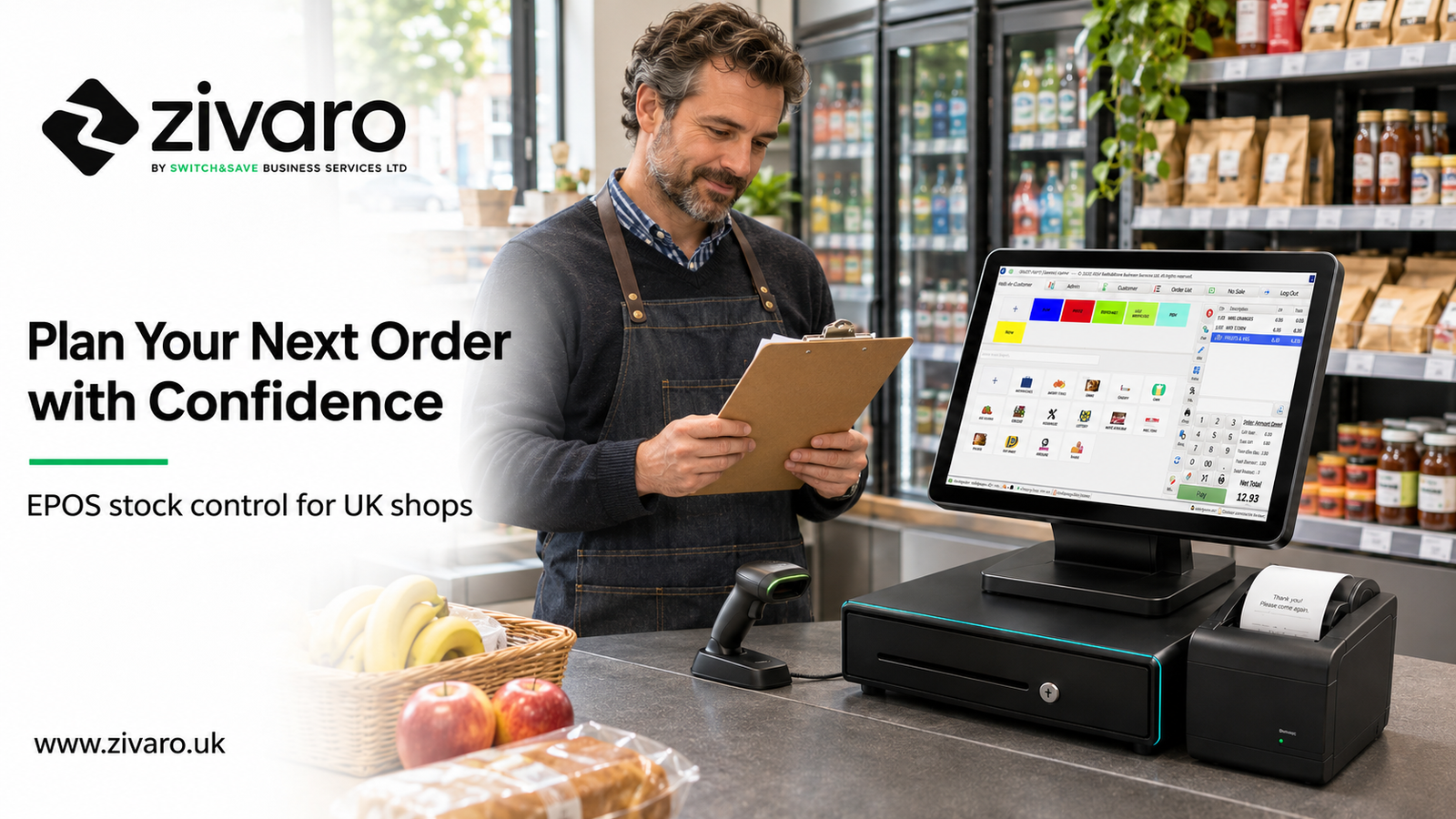
You can keep stock under control by combining accurate stock records with recent sales, supplier delivery times and regular physical checks. An EPOS system brings sales and stock information together, helping you decide what to reorder, how much to buy and which products need closer attention.
For a small UK shop, that means fewer purchasing decisions based purely on a quick look at the shelves. You can start with the numbers, then adjust for promotions, seasonal demand and what you know about your customers.
This guide explains a practical ordering routine you can use in a convenience store, grocery shop, boutique or mobile accessories business.
Why better stock control starts before you order
Stock problems often become obvious at the shelf. A popular product has sold out, or a case of something nobody wants is still sitting in the stockroom.
But the decision that caused the problem may have happened days or weeks earlier.
Ordering the same quantities every week feels convenient. It becomes less useful when demand changes, a supplier takes longer to deliver or a promotion finishes.
The aim is to give each purchase a clear reason. Are you replacing normal sales, preparing for extra demand or trying a new product? Those situations need different quantities.
Good stock control also means looking beyond an apparently full shelf. The products customers want may be missing while slower lines occupy the space.
What to check in your EPOS before buying stock
Start with usable stock
Check the quantity recorded against the product, then consider whether it is actually available to sell.
Damaged goods, expired items and stock put aside for customers should not be treated as freely available inventory. Where your system supports separate locations or statuses, use them consistently.
A delivery waiting to be entered can make recorded stock look too low. An unrecorded write-off can make it look too high.
Check a sample of important lines physically before placing a substantial order.
Review units sold
Sales revenue tells you how much money a product brings in. Units sold help you estimate how many you need to replace.
Compare periods that make sense for the product. A normal fortnight may be useful for packaged drinks. Fresh sandwiches need a much shorter review cycle.
Avoid treating a promotional weekend as normal demand. Equally, do not assume low sales mean low interest if the product was unavailable for several days.
Check what is already coming
Review confirmed supplier orders before adding more stock to your buying list.
For example, if you have 12 units left and another 24 arriving tomorrow, ordering another case without checking could create excess stock.
Only count incoming quantities that are relevant to your planning period. A delivery due in three weeks will not solve a shortage expected this Friday.
Add supplier lead times
Lead time is the time between placing an order and receiving stock ready for sale.
Use realistic delivery experience. If a supplier usually takes three trading days, plan around that rather than an occasional next-day arrival.
Also check order deadlines, delivery days and minimum case quantities.
How to calculate a simple reorder point
A reorder point is a stock level that prompts you to consider replenishment.
A straightforward starting calculation is:
Reorder point = average daily unit sales × supplier lead time in days + safety stock
Safety stock is a buffer for uncertainty. It should reflect the product's importance, delivery reliability, shelf life and available space.
Example: bottled drinks in a convenience shop
Suppose a shop sells an average of eight bottles a day. Its supplier takes three days to deliver, and the owner chooses a buffer of 12 bottles.
During the three-day delivery wait, the shop expects to sell 24 bottles: eight bottles per day multiplied by three days.
Adding the chosen buffer of 12 bottles gives a reorder point of 36 bottles.
When the relevant available quantity reaches about 36 bottles, the owner reviews replenishment, including any confirmed incoming delivery.
This is a planning example, not a universal target. A reliable nearby supplier may justify a smaller buffer. Unpredictable deliveries may require more.
Keep the time units consistent: if you measure sales by calendar day, use a lead time measured on the same basis.
How to decide your order quantity
The reorder point helps answer when to act. Your target stock level helps answer how much to buy.
One useful calculation is:
Suggested order = target stock − usable stock − confirmed incoming stock
Set the target to cover the period until your next replenishment opportunity, with a suitable buffer. Use zero where the calculation produces a negative result.
Suppose your target is 80 units, you have 22 usable units and 18 confirmed units arriving within the planning period.
Your initial suggested order is:
80 − 22 − 18 = 40 units
Then check the practical constraints.
If the supplier sells cases of 12, you might consider 36 or 48 units. The right choice depends on expected demand, expiry dates, storage and the timing of the following delivery.
A case discount is only useful if the extra stock makes commercial sense. Buying more to reduce the unit cost can still leave you with products that take too long to sell.
A weekly stock control routine
1. Choose a consistent review time
Review the supplier order before its deadline, giving yourself time to check unusual figures.
A short, repeatable routine is easier to maintain than an occasional complete overhaul.
2. Check priority products first
Start with fast sellers, essential lines and products customers expect to find.
For a grocery shop, that might include milk, bread and popular drinks. For a mobile accessories shop, it might include the cables and chargers customers request most frequently.
3. Investigate exceptions
Look for negative stock, sudden sales changes, unexplained adjustments and unusually high quantities.
Negative stock may point to a missing delivery entry or an incorrect product setup. Investigate before using that number to calculate an order.
4. Review slower products separately
A low stock quantity does not automatically mean a product needs replacing.
If an item rarely sells, you may decide to reduce its shelf space or stop replenishing it. Zivaro's guide to identifying slow-moving stock with EPOS reports explains how to review those lines.
5. Check deliveries when they arrive
Compare received quantities with the supplier paperwork and your order.
Record shortages, substitutions and damaged goods promptly. Use the quantity actually received, rather than assuming the full order arrived.
That closes the loop and gives your next review a better starting point.
Common ordering mistakes
Confusing cases with individual units
If you receive one case containing 24 cans, your stock records need to reflect the correct sellable quantity.
Check pack sizes and unit conversions during setup. A small mistake here can affect every later order.
Using sales history without checking availability
A product that sold only twice last week may have been out of stock for most of it.
Sales show completed purchases. They do not capture every customer who looked for something unavailable.
Forgetting seasonal changes
School holidays, local events and weather can change demand.
Use relevant past periods where available, then make a deliberate adjustment. Avoid assuming every recent sales increase will continue.
Counting all returns as sellable stock
A returned product should only become available again when its condition allows it.
Separate saleable returns from damaged goods so replenishment decisions use a meaningful quantity.
Expecting software to fix missing entries
An EPOS system depends on accurate product setup and consistent recording.
Staff need a clear process for deliveries, refunds, waste and adjustments. Technology supports that routine; the team still needs to follow it.
How Zivaro can help you keep stock under control
Zivaro offers EPOS systems with stock control and sales reporting, helping UK businesses bring more of their daily trading information together.
Explore the Zivaro EPOS system and ask for a demonstration using a few products from your own shop.
During the demo, review how deliveries, product quantities and stock reports work for your business. If you need reorder suggestions, case-size conversions or several stock locations, ask the team to demonstrate the exact workflow and confirm what your package includes.
For more background, read Zivaro's guide to stock control for small shops.
Ready to make your next order with a clearer picture of your stock? Contact Zivaro to arrange a free EPOS demo.
Website: www.zivaro.uk
Phone: 0333 038 9707
Frequently asked questions
What is EPOS stock control?
EPOS stock control uses product and transaction records to help track inventory. Depending on the setup, it can record sales, deliveries, returns and adjustments, giving you information to support purchasing decisions.
Can EPOS stop products from running out?
It can help you spot replenishment needs earlier, but it cannot guarantee availability. Supplier delays, inaccurate records and unexpected demand can still cause shortages.
How often should a small shop check stock?
Match the frequency to the product. Fast sellers and perishable goods may need daily attention. Other products can follow a weekly or supplier-based review, supported by rotating physical counts.
Does every EPOS system order stock automatically?
No. Reporting, reorder suggestions and automatic purchasing are different capabilities. Confirm which functions are included and whether a person must review and approve each order.
Can a small shop start with only part of its range?
Yes. Start with a manageable group of important products, check their opening quantities and establish a reliable recording routine. Expand once the process works consistently.
More EPOS guides
How to Identify Slow-Moving Stock with EPOS Reports
Find out how to identify slow-moving stock using EPOS reports. Learn which sales figures to check, how to spot excess inventory and what to do next, with practical examples to help your UK business make better purchasing decisions.
Read article
What Is an EPOS System? A Practical Guide for UK Small Businesses
What is an EPOS system, and how can it help your business? This practical guide from Zivaro explains how EPOS works, from recording sales and taking card payments to tracking stock and reviewing reports. Discover what UK shops, cafés and restaurants should consider when choosing a system.
Read article
EPOS Running Costs: What Will Your Business Pay Each Month?
Your EPOS subscription is only one part of the monthly bill. Card processing, terminal rental, integrations and everyday supplies can also affect what you pay. This Zivaro guide breaks down EPOS running costs, with a practical budget example and clear questions to help your UK business compare packages and plan ahead.
Read article