
POS Warranty and Guarantee: A Practical Guide for UK Businesses
What does your POS warranty actually cover? This guide from Zivaro explains what UK businesses should check before buying, from equipment protection and repair arrangements to support hours, exclusions and cancellation terms. Learn which questions to ask and what to do if your EPOS system develops a fault.
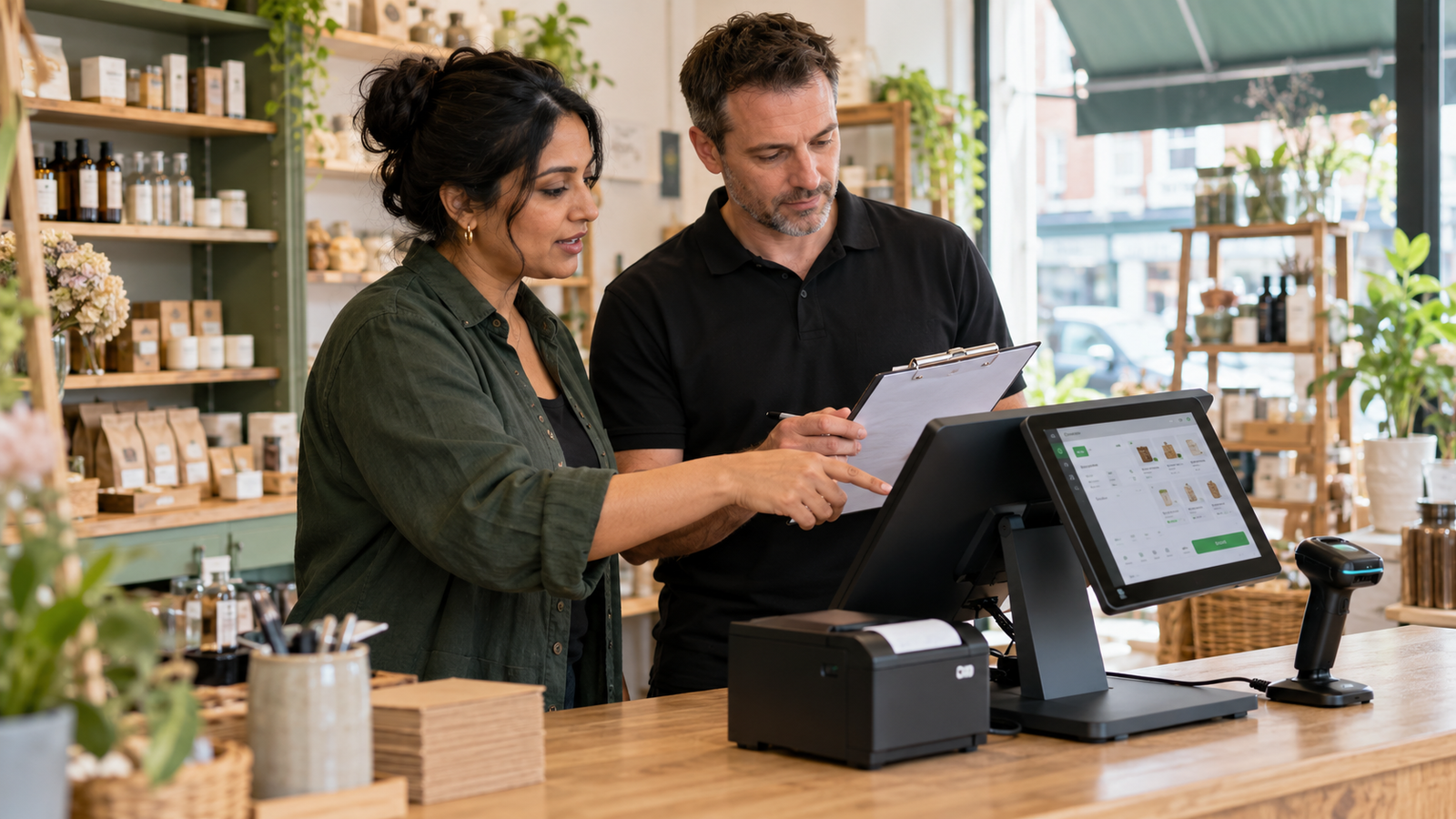
A POS warranty or guarantee explains what help you can expect if your till system develops a covered fault. Depending on your agreement, this might include a repair, replacement, technical assistance or refund. Before choosing a system, check which equipment is protected, how long cover lasts, what’s excluded and how the supplier handles a claim.
For a small business, the real value is in the details. If your touchscreen stops working during Saturday lunch, you need to know who to contact and what happens next.
Whether you’re buying your first till or upgrading an existing setup, this guide explains how to assess POS protection and what to ask Zivaro before placing your order.
What Is a POS Warranty or Guarantee?
A POS warranty is a written commitment covering specified faults in your point-of-sale equipment for a stated period. A guarantee may describe similar protection or a different promise, such as a conditional return offer.
The exact wording matters more than the label.
POS stands for point of sale. EPOS means electronic point of sale: the combination of software and equipment you use to record sales and manage checkout tasks.
Your setup might include a touchscreen terminal, receipt printer, cash drawer, barcode scanner and card machine. In hospitality, it could also include kitchen printers or order displays.
A promise covering one item doesn’t automatically protect the whole setup. Ask for a clear breakdown before you buy.
Understand the Different Types of Cover
A till package can involve several kinds of protection. Understanding the differences helps you ask useful questions and compare quotations fairly.
Hardware warranty
Hardware is the physical equipment on your counter. A warranty may cover certain defects affecting the terminal, printer or other specified items.
Check whether parts, labour and delivery are included. Also ask whether repairs are handled by your supplier or directly by the manufacturer.
Software support
Software support helps with the application running your sales, products and reports. It may involve investigating errors, checking settings or resolving problems with supported connections.
Ask what assistance is included in your plan. A hardware warranty alone doesn’t tell you whether software help is available.
Service commitments
A service commitment describes how the supplier handles requests. It might set targets for acknowledging a fault or providing an update.
Here’s the distinction to check: a response target tells you when someone should reply. A resolution target concerns fixing the issue. Don’t assume one includes the other.
Returns or satisfaction offers
A return offer may allow you to send equipment back under specific conditions. Those conditions could concern packaging, use, configuration or service activation.
If you want to trial a system, confirm the arrangements in writing. A sales demonstration doesn’t establish a right to return installed equipment.
Seven Details to Check Before Buying
1. Which items are included?
Request an itemised equipment list showing the cover for each product.
For example, a café package might contain a touchscreen, printer and cash drawer. Ask whether all three are protected and whether accessories such as power supplies are included.
Keep that list with your quotation and invoice. It gives you a useful reference if something fails later.
2. When does the warranty start?
Ask whether protection begins on purchase, delivery, installation or registration.
This matters if equipment arrives before your premises are ready. A restaurant waiting for refurbishment work should understand whether part of the warranty period will pass before trading begins.
Check any registration requirements too, including who is responsible for completing them.
3. Where will repairs happen?
A return-to-base arrangement means equipment must be sent to a repair location. An on-site service involves someone attending your premises.
Both need practical questions.
Who arranges collection? Who pays for delivery? Does an engineer visit cost extra? What happens if inspection finds a fault outside the warranty?
Get those answers before you need a repair.
4. Is temporary equipment available?
A promise to repair your terminal doesn’t necessarily include a loan unit.
For a grocery shop with one checkout, that distinction matters. Ask whether temporary equipment is available, what it costs and how your products or settings would be transferred.
Also check whether a replacement would be the same model or a suitable alternative.
5. What support is available during trading hours?
Think about when an interruption would cause the most trouble.
A breakfast café may need help early in the morning. A takeaway might need assistance late on Friday. A bar could depend on weekend availability.
Ask which contact channels operate during those periods and how urgent requests are prioritised. Keep the details somewhere staff can access without logging into the affected till.
6. What’s excluded?
Ask about accidental damage, liquid spills, power issues, unauthorised repairs and faults involving equipment bought elsewhere.
Don’t assume these situations are covered or excluded. Request the actual conditions.
For example, a spilled drink near a café till raises a different question from a screen that stops working during normal use. Understanding that difference helps you decide whether additional protection is needed.
7. What happens if you cancel?
Check the conditions for hardware returns, software cancellation and any connected payment or finance agreement.
Ask whether setup work, configured equipment or activated services affect refunds. Confirm notice periods and any outstanding charges.
Cancelling one service may leave another agreement running. Request a written explanation of how each part of your package can end.
Choose Protection Around Your Trading Day
The most useful cover reflects how your business operates. Before comparing warranties, identify what would stop your team serving customers.
Retail and grocery shops
For a retailer, a working screen is only part of the picture. Barcode scanning, price lookup and receipt printing may be just as important.
A grocery shop using weighing scales should ask who investigates a connection problem. Is the first contact the EPOS supplier, the scale supplier or another service provider?
Agree the route before installation so staff aren’t left passing messages between companies.
Cafés, restaurants, bars and takeaways
Hospitality businesses should test the complete order journey.
For example, enter a takeaway order with an extra topping, send it to the kitchen and complete the payment. If split bills or table transfers are part of your package, test those too.
A warranty addresses covered faults. A practical handover helps you establish that the agreed setup works before a busy service.
Mobile phone shops
A mobile shop may rely on product searches, serial numbers and customer records.
If those features are essential, have them demonstrated using realistic examples. Ask how records can be accessed or exported if the main terminal is unavailable.
The aim is to understand both the equipment protection and your options during an interruption.
What to Do When Your POS Develops a Fault
A clear fault report gives support a better starting point. It also helps you keep track of what has been agreed.
Record what happened
Write down the time, the error message and the task being performed. Explain whether the whole system has stopped or only one function is affected.
“Receipts won’t print, but sales still complete” is more useful than “the till is broken”.
Gather equipment details and evidence
Find the model, serial number and order reference. Take a photo or short video if it helps show the problem.
Keep customer information out of the image. Don’t include payment details or passwords in a support request.
Follow the agreed support process
Contact the channel listed in your agreement. Follow approved troubleshooting instructions and check before arranging an outside repair or opening equipment.
Ask for a case reference, the next update time and confirmation of any proposed charges.
Check the outcome before resuming normal use
After a repair or settings change, test the affected task. Check related functions where relevant, such as receipt printing after completing a test sale.
If a payment’s status is uncertain, verify the transaction record before attempting it again. Your team should know how to avoid charging a customer twice.
Discuss Your EPOS Requirements with Zivaro
Before choosing an EPOS package, prepare a short list of your essential tasks, opening hours and current problems.
Use that list when speaking to Zivaro. Ask to see the everyday sales your staff will handle, then request the equipment warranty, support arrangements and cancellation conditions for the proposed package.
Compare the full cost alongside the cover. Include hardware, software, installation, payment charges and any optional services.
Ready to review your checkout setup? Visit Zivaro to discuss your business requirements and request a quotation with the relevant warranty and support details.
Frequently Asked Questions
What does a POS warranty cover?
It covers the equipment and faults specified in the written agreement. Check the covered items, warranty length, remedy, exclusions and claim process before buying.
Is a POS guarantee the same as technical support?
They can overlap, but don’t assume they do. A guarantee might address equipment faults, while technical support may cover software questions and troubleshooting under a separate plan.
How long should an EPOS warranty last?
There’s no single duration to assume across every package. Confirm the period for each item and check when cover starts.
Does a warranty include accidental damage?
Only if the terms include it. Ask specifically about spills, drops and other accidental damage, and check whether separate cover is available.
Will my supplier replace faulty equipment immediately?
That depends on the agreement and circumstances. Confirm whether the process involves diagnosis, repair, replacement or temporary equipment, along with any stated timescales.
Can I return an EPOS system after installation?
Check the applicable return conditions before installation. Equipment use, configuration, software activation and completed setup work may affect what can be returned or refunded.
More EPOS guides

EPOS Running Costs: What Will Your Business Pay Each Month?
Your EPOS subscription is only one part of the monthly bill. Card processing, terminal rental, integrations and everyday supplies can also affect what you pay. This Zivaro guide breaks down EPOS running costs, with a practical budget example and clear questions to help your UK business compare packages and plan ahead.
Read article
How to Train Temporary Staff to Take Card Payments Confidently
Help temporary staff take card payments confidently from their first shift. This practical guide covers checking amounts, confirming payments, handling declines and knowing when to ask for help, with everyday examples for UK shops, cafés, restaurants and takeaways.
Read article
How to Choose an EPOS System for a Small Shop in the UK
Keep your bestsellers available without tying up cash in stock that won’t sell. This practical guide to inventory management for small businesses covers stocktakes, reorder levels, delivery checks and reducing waste, with everyday UK retail examples and tips for choosing EPOS stock-control software.
Read article