
How to Choose an EPOS System for a Small Shop in the UK
Keep your bestsellers available without tying up cash in stock that won’t sell. This practical guide to inventory management for small businesses covers stocktakes, reorder levels, delivery checks and reducing waste, with everyday UK retail examples and tips for choosing EPOS stock-control software.
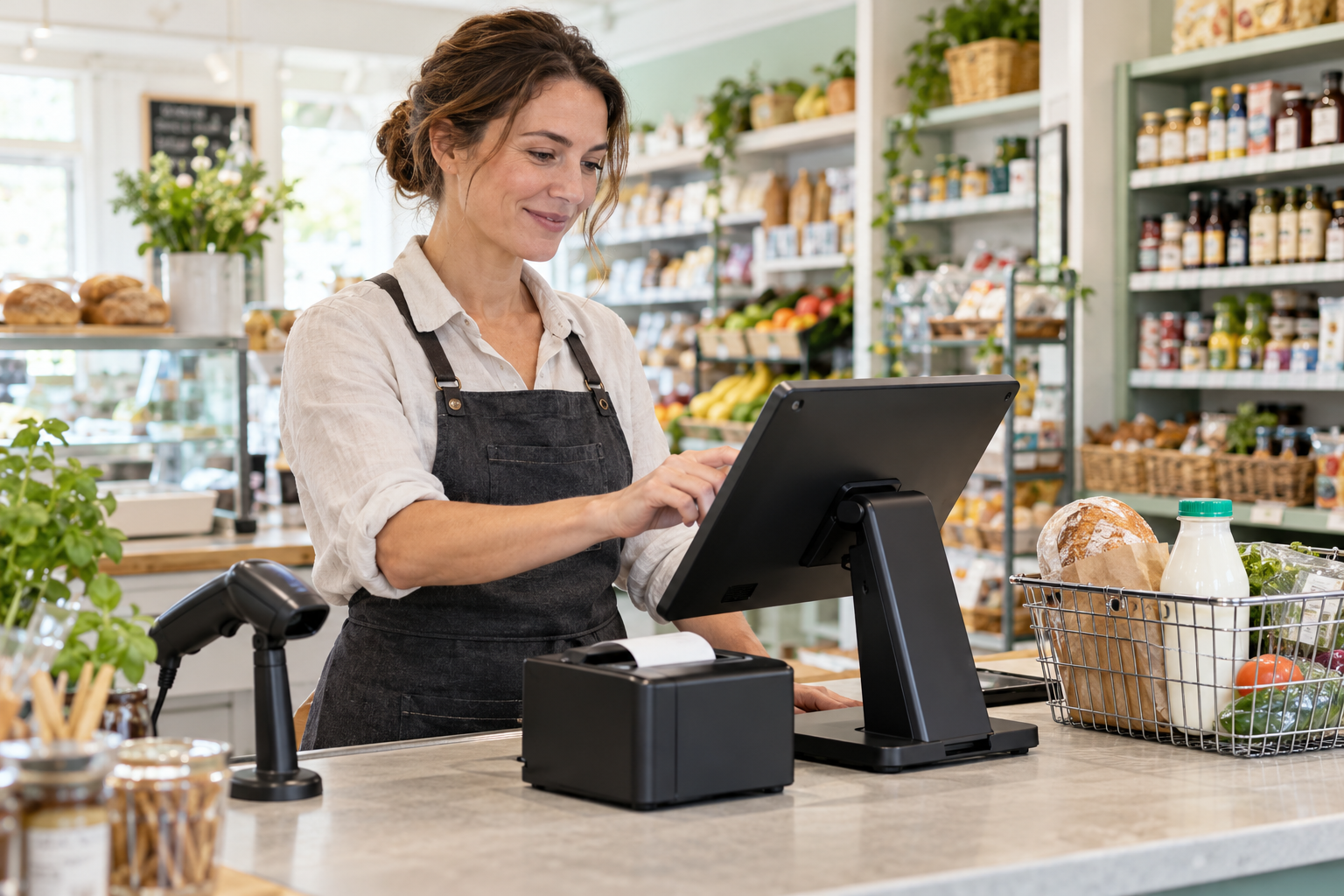
The best EPOS system for a small shop is one that makes checkout straightforward, keeps stock records useful and gives you clear sales information. Before choosing, check the full cost, hardware compatibility, card payment options, installation arrangements and support. Then ask for a demonstration using products and tasks that reflect your shop.
A convenience store handling a lunchtime queue has different needs from a clothing boutique managing sizes and colours. Your till should suit the way you trade.
This guide explains what to look for when choosing an EPOS system for a small shop in the UK, with practical examples and a checklist to help you compare suppliers.
What is an EPOS system?
An electronic point of sale system combines till software with the hardware used to process sales. Depending on the setup, it can also help manage products, stock, customer records and reporting.
For example, scanning a barcode can bring up a product’s price, add it to the basket and record the sale. Where stock tracking is configured, the recorded quantity can reduce when that sale is completed.
The value comes from using those records beyond checkout. You can review which products sell regularly, investigate discrepancies and make better-informed ordering decisions.
Explore Zivaro’s EPOS systems for an overview of the available retail and hospitality options.
Start with your shop’s everyday needs
Before comparing suppliers, write down what happens during a normal trading day. How many products do you sell? Do most have barcodes? Do you sell loose goods by weight? Will several employees use the till? Do you need to check sales while away from the premises?
Think about the problems you want to solve, too.
Perhaps staff struggle to find products without barcodes. Maybe stock counts live in a spreadsheet that nobody has time to update. Or your current reporting shows total takings without enough detail to guide purchasing.
Match the system to your shop
A grocery shop might prioritise barcode scanning, delivery booking and product pricing.
A clothing retailer may need a clear way to manage sizes, colours and returns.
A butcher or greengrocer should ask specifically about weighing scale compatibility and how weighed items enter a sale.
Choose around these practical requirements. A long feature list means little if routine tasks remain awkward.
Which EPOS features should you prioritise?
Straightforward checkout
Ask to see a complete transaction, including the less tidy parts.
Can staff search for a missing barcode, correct a quantity, remove an item and apply an authorised discount without getting lost?
Imagine a customer buying six identical drinks, changing their mind about one and asking for a receipt. That everyday interaction is a better test than watching someone scan a single product.
Useful stock management
Look beyond whether a system “tracks stock”. Ask how stock gets recorded in the first place.
You should understand how to enter opening quantities, book in deliveries, carry out counts and record adjustments.
Suppose your records show 20 tins of beans, but the shelf and stockroom contain 17. Your team needs a clear process for investigating and correcting the difference.
Stock figures depend on accurate inputs. Deliveries, damage, returns and counting errors still need attention.
Clear sales reporting
Start with questions you actually want answered:
- Which products sold most this week?
- What sells slowly?
- When is the shop busiest?
- How do cash and card totals compare?
- Which discounts or refunds need reviewing?
Ask the supplier to show the relevant reports and explain any figures you do not recognise. Where margin reporting is available, check how product costs are entered and maintained.
Staff permissions
You may want different access levels for owners, supervisors and till operators.
Ask whether permissions can control refunds, price changes, discounts and access to reports. Individual staff logins can also help you understand who performed an action when investigating an issue.
Choose the right EPOS hardware
A typical retail setup may include a touchscreen, barcode scanner, receipt printer and cash drawer. A card terminal can sit alongside it or connect through a supported integration.
Touchscreen till
Check readability, touch accuracy and counter space. A compact screen may suit a small counter, but staff still need comfortably sized buttons and a clear basket view.
Barcode scanner
Test it with your own products. Include small labels, curved packaging and anything that currently causes problems.
If you want to scan codes displayed on phones, confirm that the proposed scanner supports that use.
Receipt printer and cash drawer
Ask which printer connections are supported, what paper it uses and how replacements are sourced.
For existing equipment, provide exact model numbers. A matching connector alone does not establish compatibility.
Additional equipment
Weighing scales, label printers and customer displays can be useful where they serve a clear purpose. Confirm compatibility and configuration requirements before buying them separately.
Check how card payments connect
With supported integrated payments, the sale amount passes from the EPOS to the card terminal, reducing the need to enter it again manually.
Zivaro lists integrated card payments among its retail EPOS features. The suitable terminal, provider and configuration should still be confirmed for your business.
Ask the supplier:
- Which providers and terminal models are supported?
- How do successful, declined and cancelled payments appear?
- How are refunds handled?
- What happens if the connection fails?
- Are payment agreements separate from the EPOS contract?
If you already have a card machine, check whether it can integrate before assuming it will work with a new till.
Understand the full cost
Compare written quotations covering the same requirements.
The total may include hardware, software subscriptions, installation, product imports, training, support and optional features. Card payment charges may sit under a separate agreement.
Check whether quoted amounts include VAT and whether hardware is purchased, rented or financed.
A useful comparison is:
Upfront costs + recurring costs over the comparison period + required extras
Compare payment processing charges separately using the same assumptions about transaction values and volumes.
Read the contract details
Before signing, establish:
- The minimum term and renewal arrangements.
- Any cancellation or early termination charges.
- Who owns the equipment.
- What support includes.
- Whether prices can change.
- How you can export your product and sales data.
A low monthly headline price does not tell you the complete commitment.
Ask about setup, training and support
A new system needs preparation before it reaches the counter.
Confirm who will load products, check prices, configure equipment and help staff practise. Agree a realistic changeover plan that leaves time to check the setup.
Prepare your product information
Useful information may include product names, barcodes, selling prices, categories, costs and opening stock.
Check for duplicates and outdated prices before importing. Moving untidy data into a new system usually carries the same problems forward.
Make training practical
Staff should practise normal sales, product searches, corrections, refunds and end-of-day procedures.
Ask what happens when a trained employee leaves or someone new joins. Also confirm support hours, contact methods and arrangements for equipment faults.
Test the system before deciding
Request a demonstration built around your shop.
Bring a short list of real products and ask the supplier to demonstrate a sale, quantity correction, refund, delivery entry and sales report.
Ask about internet interruptions as well. Establish which functions remain available, whether card payments have separate connectivity requirements and what happens when the connection returns.
Zivaro offers a free retail EPOS demonstration, giving you an opportunity to discuss your workflow and see a proposed setup before committing.
Small shop EPOS buying checklist
Before choosing a supplier, confirm that you can answer “yes” to these questions:
- Does the checkout suit our busiest trading periods?
- Can the system handle our product types?
- Have we seen stock tasks demonstrated?
- Are the reports useful and understandable?
- Is the hardware suitable for our counter?
- Have existing devices been checked for compatibility?
- Are card payment options and charges clear?
- Do we understand the complete cost?
- Are installation, training and support agreed?
- Have we reviewed cancellation and data export arrangements?
Find an EPOS setup that fits your shop
Choosing a small shop till system starts with understanding your daily work. Focus on the checkout, stock tasks and reports your team will use regularly, then check the costs and support behind them.
Zivaro’s retail EPOS options provide a starting point for discussing your requirements.
Ready to see how a suitable setup could work for your business?
Book a free demo
Frequently asked questions
What is the best EPOS system for a small shop?
The best choice depends on your products, checkout workflow, budget and support needs. Compare systems using the same practical tasks and request complete written quotations.
Can I use my existing hardware?
Possibly. Give the supplier the exact models of your printer, scanner, cash drawer and card terminal so compatibility can be checked.
Will an EPOS system keep my stock accurate?
It can help maintain stock records, but accuracy also depends on recording deliveries, returns, damage and adjustments correctly. Physical counts remain useful.
Do I need integrated card payments?
They can reduce repeated amount entry and simplify the payment workflow. Whether they suit your shop depends on compatibility, provider terms and your preferred setup.
Can I move products from my current system?
Ask about supported import formats and which fields can transfer. Arrange a sample import and check the results before the full changeover.
What should I ask during a demo?
Ask to see a sale, correction, refund, delivery entry and report using products similar to yours. Discuss support, connectivity and the full cost before deciding.
More EPOS guides
Contactless Payment Limit UK 2026: What Businesses Need to Know
The UK’s contactless payment rules changed in 2026, but that doesn’t mean every card now supports unlimited taps. Discover what the changes mean for your business, why payment limits can still vary, and how to keep checkout running smoothly with the right card machine and EPOS setup.
Read article
Looking for a Cheaper Epos Now Alternative? Compare the Full Cost
Looking for an EPOS system cheaper than Epos Now? Compare hardware, subscriptions, card fees and switching costs before choosing a UK alternative.
Read article
Restaurant EPOS: table plans, timing and printers
Table 9 gets mains before table 6 gets starters. Here are the EPOS features that stop that happening, and the ones that only matter on paper.
Read article