
Contactless Payment Limit UK 2026: What Businesses Need to Know
The UK’s contactless payment rules changed in 2026, but that doesn’t mean every card now supports unlimited taps. Discover what the changes mean for your business, why payment limits can still vary, and how to keep checkout running smoothly with the right card machine and EPOS setup.
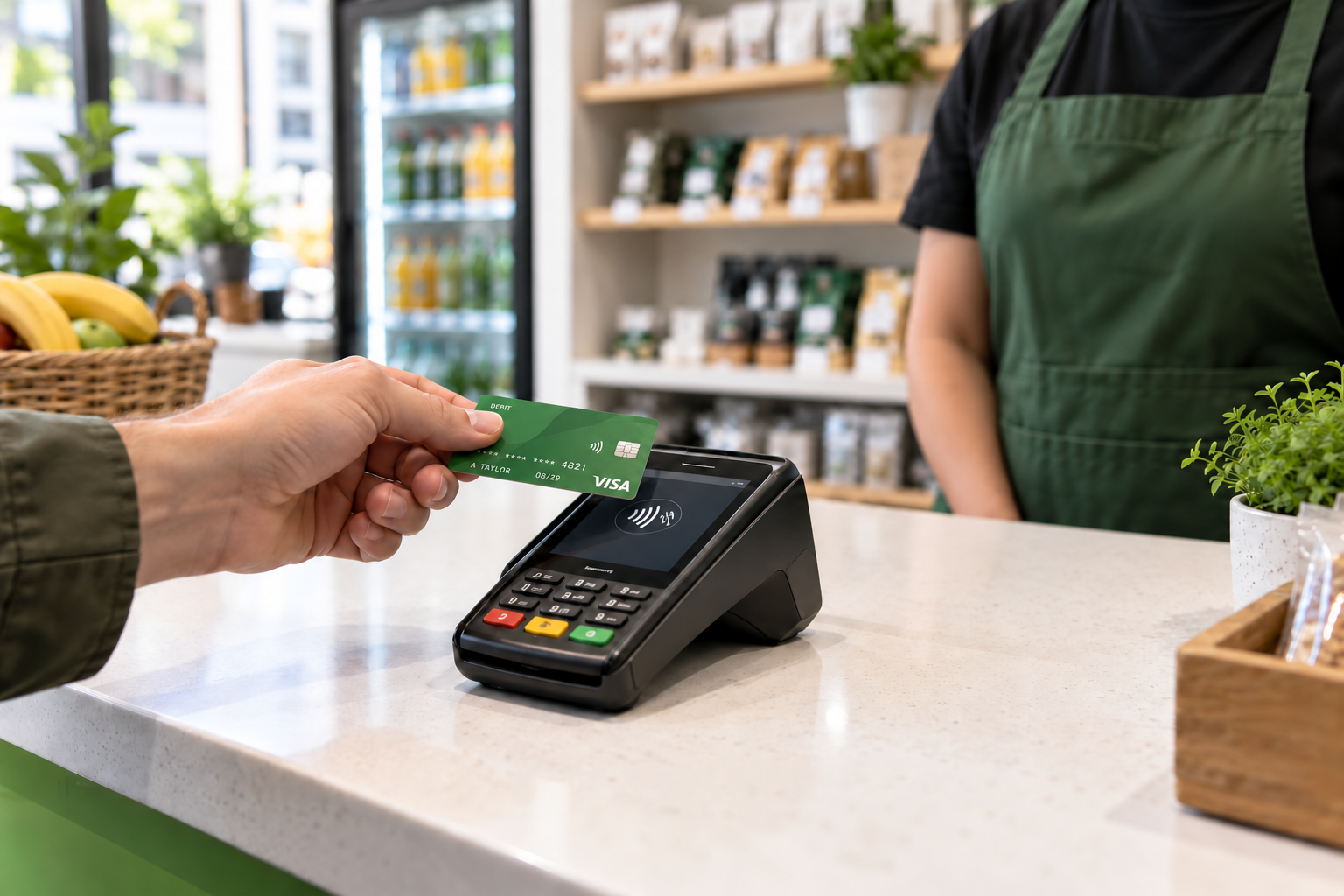
The UK’s contactless payment rules changed on 19 March 2026, giving banks and payment providers more flexibility to set their own limits. However, this does not mean every customer can now make unlimited contactless card payments. The limit that applies at your checkout can still depend on the customer’s card provider and your payment setup.
For a small business, the practical question is simple: what should your team do when a customer taps their card and the payment doesn’t go through?
This guide explains the change, what to check with your provider and how to keep payments running smoothly in your shop, café, restaurant or takeaway.
What changed in the UK contactless payment rules?
The Financial Conduct Authority changed the regulatory framework for contactless payments from 19 March 2026.
Previously, the rules set limits on contactless transactions that could take place without additional authentication. The revised framework removes those regulatory limits and gives banks and payment service providers greater flexibility, using a risk-based approach.
For business owners, the important distinction is between a regulatory change and what a particular card will actually allow.
Your checkout still needs to process the transaction successfully. A news headline about the limit being removed is not confirmation that every card, terminal and payment provider supports the same amount.
What should you tell customers?
Keep the explanation short:
“You can try contactless. If the terminal asks for your PIN, please insert your card and follow the instructions.”
That gives customers a clear next step without promising something your business cannot control.
Does every card now support payments above £100?
No. You should not assume that every physical card can make a contactless payment above £100.
When the new rules took effect, major UK banks initially retained their existing £100 limits. That illustrates why removing the regulatory cap did not automatically change the experience for every customer. Individual providers may subsequently change their approach, so check current information rather than relying on launch-day announcements. theguardian.com
Imagine a customer buying £125 of groceries. They have read that the contactless limit has been removed and expect their card to work with one tap.
If the terminal requests another payment method, your team should calmly follow the prompt. There is no need to argue about the headline or repeatedly retry the same transaction.
Customers often describe both methods as “contactless”, but tapping a physical card and paying through a mobile wallet are not identical.
Mobile wallets such as Apple Pay can authenticate the customer on their device. They have therefore been able to support payments above the familiar physical-card contactless threshold, although acceptance can still depend on the merchant’s setup and other controls. ft.com
For your team, the useful lesson is to ask how the customer wants to pay instead of assuming every tap works the same way.
A customer whose physical card cannot complete a larger contactless transaction might choose chip and PIN or a supported mobile wallet. Follow the terminal’s instructions in either case.
Avoid putting “unlimited contactless payments” on your counter signage. A clearer message is:
“Contactless, chip and PIN, and supported mobile wallet payments accepted.”
Only display payment options that your provider has confirmed your business supports.
Should you upgrade your card machine?
Ask your existing provider to assess your terminal before buying new equipment.
The regulatory change alone does not tell you whether your device needs replacing. Your provider should confirm what your current hardware and software support.
Use the conversation to review more than the contactless limit:
- Does the terminal support the payment methods your customers use?
- Is the connection reliable throughout your premises?
- Does it work with your EPOS system?
- How are refunds handled?
- What support is available during your trading hours?
- What are the rental, transaction and additional charges?
- Are there contract or cancellation costs?
Request the answers in writing so you can compare options properly.
A machine that looks modern can still be a poor fit if it loses connection at tables or leaves staff entering every amount manually.
Why EPOS integration matters
Consider a restaurant bill of £86.40.
With a separate till and terminal, a team member may need to enter that amount twice. If they accidentally type £68.40 into the terminal, the customer can pay successfully while the business collects the wrong amount.
A compatible integrated setup can pass the sale amount from the EPOS system to the card machine, reducing manual entry. Zivaro offers integrated card machines that connect with its EPOS setup and support sales and payment reconciliation. zivaro.uk
When reviewing Zivaro card machines, ask to see the whole transaction rather than just a successful tap.
A useful demonstration should show:
- Creating a sale.
- Sending the amount to the terminal.
- Completing the payment.
- Handling a declined payment.
- Retrying with another method.
- Processing a refund.
- Checking the transaction in the sales report.
This shows how the system behaves when the checkout gets complicated.
A practical checkout checklist
You don’t need a major project to improve your payment process. Start with a short review before your next busy trading period.
1. Confirm your provider’s current position
Ask what contactless limits and payment options your setup supports. Record the date of the answer so staff know whether the guidance is current.
2. Check your terminal software
Ask whether updates are required and how they are installed. Arrange any work around trading hours where possible.
3. Review your counter signage
Remove wording that promises every card can make unlimited contactless payments. Keep supported payment options visible and easy to understand.
4. Practise declined payments
Show staff how to follow terminal prompts, retry appropriately and confirm the final outcome.
5. Check connectivity
Test the places where payments actually happen, including tables and outdoor areas.
6. Review your end-of-day records
Choose a normal trading day and compare sales, refunds and card transactions. Investigate differences rather than assuming every mismatch is a payment failure.
7. Keep a clear support route
Make sure staff know who to contact and what information to provide when a transaction is uncertain.
A customer should not have to wait while several employees guess whether a payment succeeded.
How Zivaro can help your business
Choosing a payment setup starts with how you trade. A convenience shop may need a dependable countertop terminal beside the till. A restaurant may need portable payments across the dining area. A business with several locations may place more emphasis on consistent reporting and staff workflows.
Explore Zivaro’s EPOS and payment solutions with those requirements in mind.
Bring a few real examples to your demonstration: a normal sale, a larger purchase, a declined payment, a refund and a split bill if you use one. Ask the adviser to show how the proposed setup handles each situation.
Want a smoother checkout?
Book a free Zivaro demo to discuss an EPOS and card machine setup that fits your business.
More EPOS guides
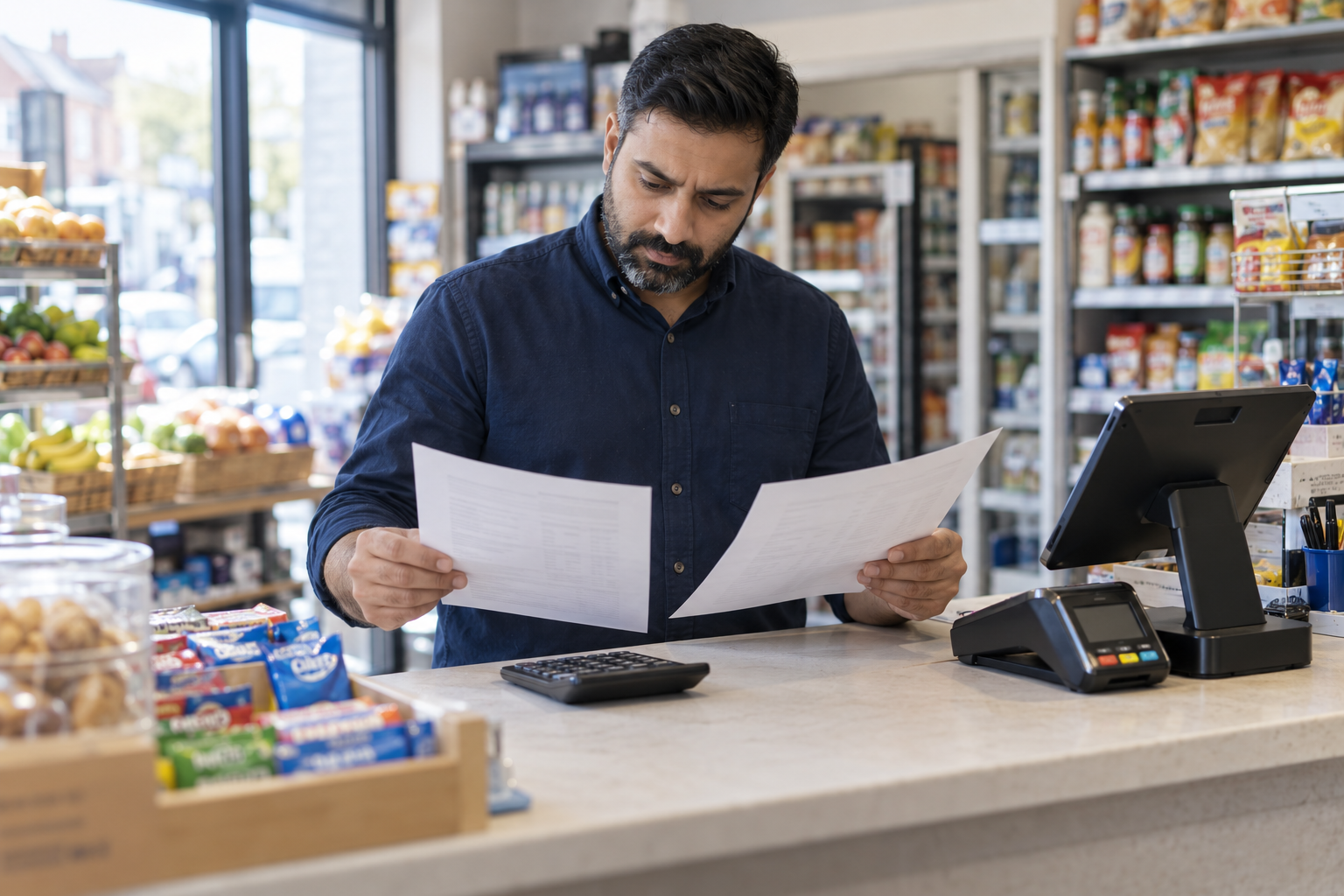
Looking for a Cheaper Epos Now Alternative? Compare the Full Cost
Looking for an EPOS system cheaper than Epos Now? Compare hardware, subscriptions, card fees and switching costs before choosing a UK alternative.
Read article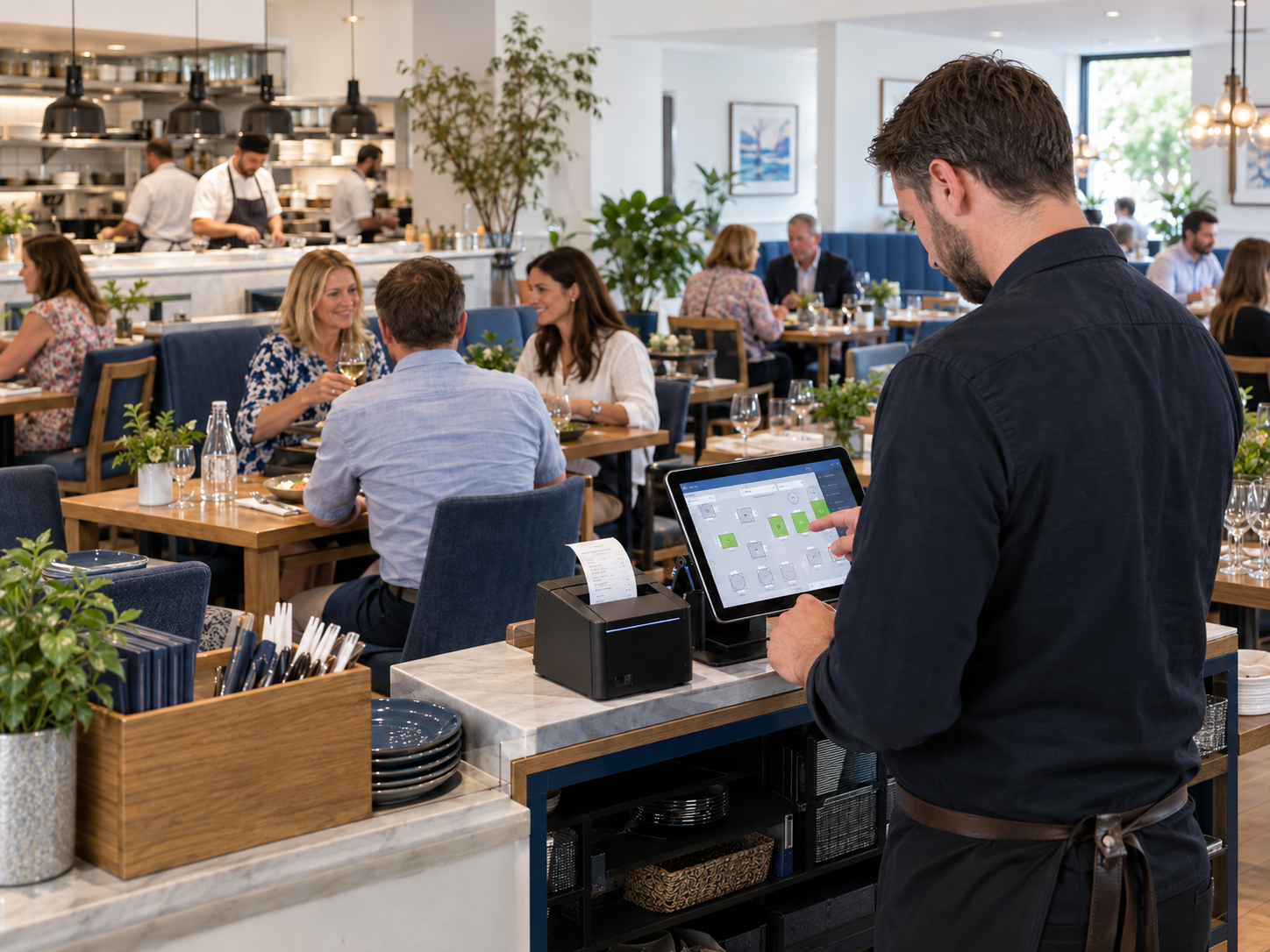
Restaurant EPOS: table plans, timing and printers
Table 9 gets mains before table 6 gets starters. Here are the EPOS features that stop that happening, and the ones that only matter on paper.
Read article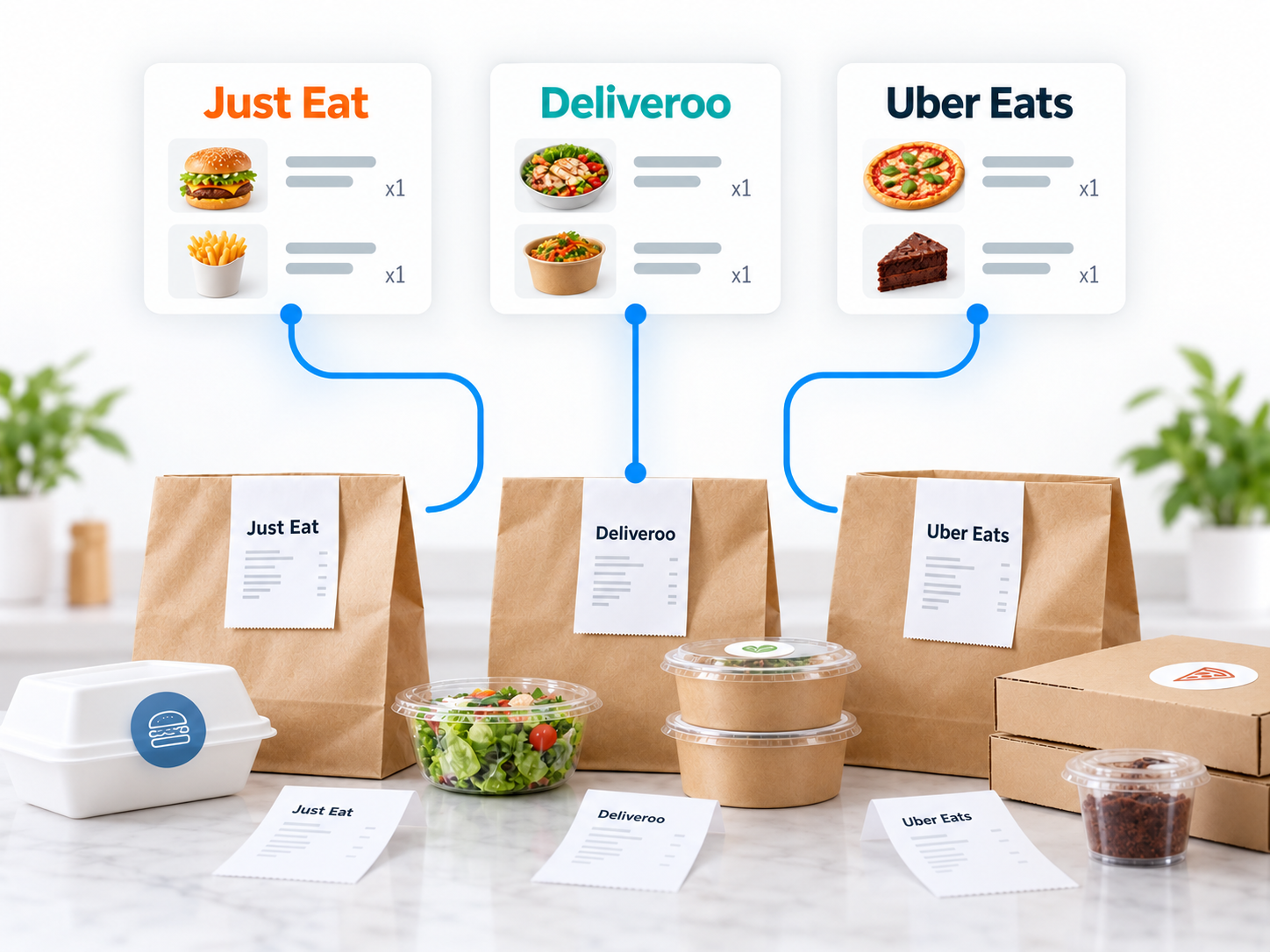
Connect Just Eat, Deliveroo and Uber Eats to one till
Three tablets, three sets of beeps and one kitchen. Here is how aggregator orders can land in a single till, and what to check before you switch.
Read article