
How to Identify Slow-Moving Stock with EPOS Reports
Find out how to identify slow-moving stock using EPOS reports. Learn which sales figures to check, how to spot excess inventory and what to do next, with practical examples to help your UK business make better purchasing decisions.
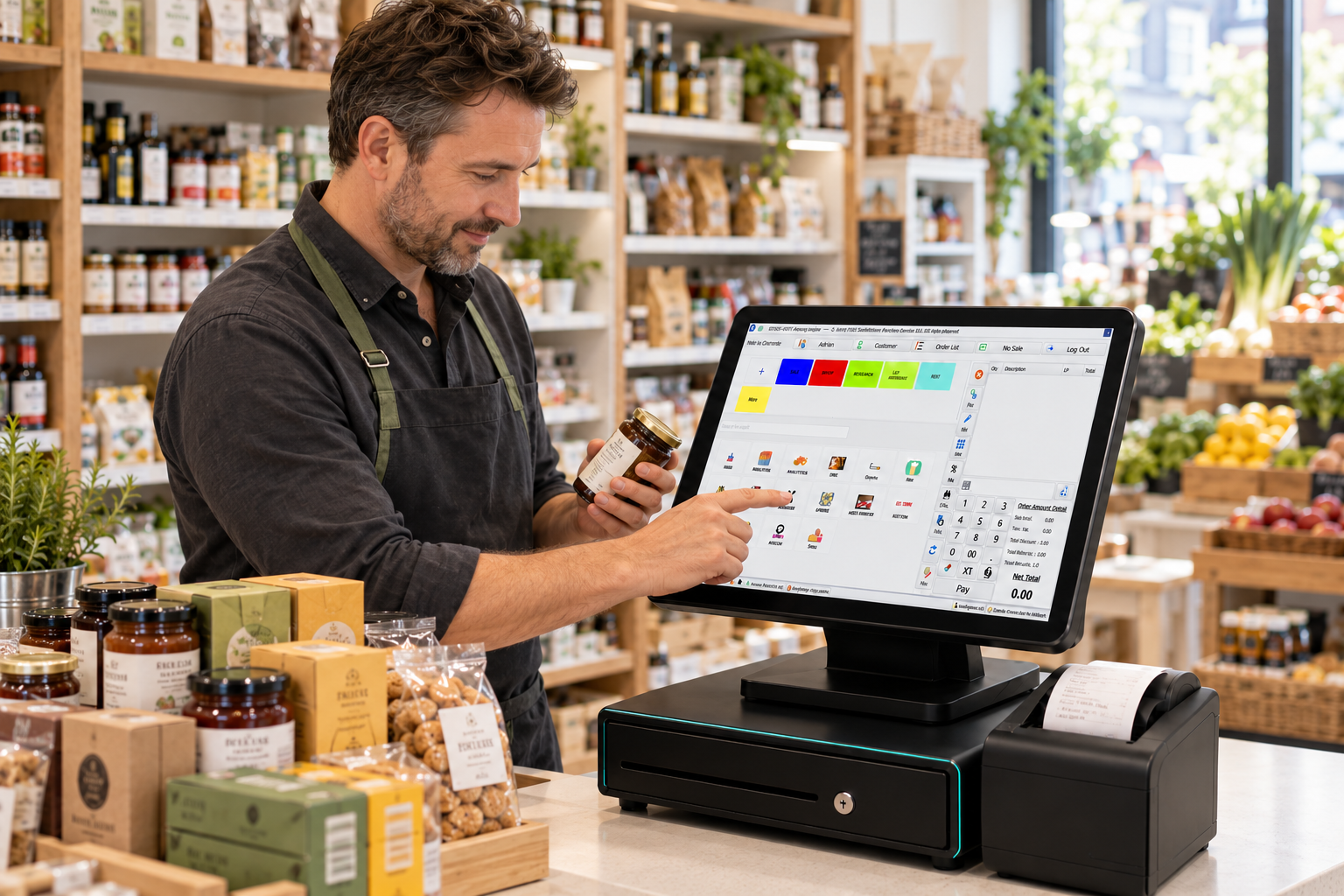
You can identify slow-moving stock by comparing product sales with the quantity you currently hold. Use your EPOS reports to check units sold, last sale dates and stock value, then investigate products that remain on the shelf despite little recent demand.
Choose a review period that suits your business. Fresh food might need daily checks, while packaged groceries or phone accessories may need several weeks of sales history.
The aim is to make better purchasing decisions. Once you know what isn’t moving, you can reduce orders, improve product visibility or plan a suitable promotion before more money becomes tied up in stock.
What counts as slow-moving stock?
Slow-moving stock is inventory that sells below the rate your business reasonably expects.
That doesn’t always mean nobody wants it. You might simply have ordered too much, bought a larger pack than usual or continued reordering after demand changed.
For example, a convenience shop might sell four jars of a specialist condiment each month. Holding six jars could be sensible. Holding 60 deserves attention.
Slow-moving stock versus dead stock
Slow-moving products still sell occasionally. Dead stock has little realistic prospect of selling through your usual channels.
An accessory for an older phone might be slow-moving while customers still use that model. If compatibility and demand have largely disappeared, it could become dead stock.
There’s no universal deadline for either category. Your product range, shelf life and customers’ buying habits should guide the decision.
The EPOS reports you need
Start with product sales, current stock and stock movement information. Your software may combine these fields or provide separate reports.
If you’re reviewing your wider process, Zivaro’s guide to stock control for small shops provides useful background.
Product sales report
A product sales report shows what sold during your chosen period.
Focus on units sold as well as revenue. One expensive item can generate healthy takings while still moving infrequently.
Check whether the report shows sales before or after refunds. Returns can affect the figures, particularly when you’re reviewing a short period.
Current stock report
This shows how many units your system records as available.
Compare that quantity with recent demand. Two sales in a month mean something different when you have three units remaining rather than 80.
Use the same branch and stock location throughout the comparison.
Stock valuation report
Stock valuation shows the recorded cost of the inventory you hold.
If you have 25 accessories costing £8 each, that’s £200 held in those products. It isn’t the same as their potential selling value or the cash you’ll recover from a promotion.
Last-sale and movement records
Last-sale information helps you find products that haven’t sold recently. Movement records explain deliveries, transfers, returns and adjustments.
Report availability varies, so ask your supplier which fields you can view or export.
How to identify slow-moving stock step by step
1. Select a relevant period
Begin with a period long enough to show a useful pattern.
A grocery shop might compare the last 30 days with the previous 30 days. A mobile accessories retailer could also examine a 90-day view.
Seasonal products need extra context. Low sales of barbecue products during winter don’t necessarily justify removing them before summer.
For fresh food, act much sooner. A monthly review won’t help you manage tomorrow’s unsold sandwiches.
2. Include products with no sales
Here’s an easy detail to miss: some sales reports only show products that sold.
That means your least successful lines might not appear at all.
Compare the complete list of products with stock on hand against the sales report. Match them using a unique product code or barcode rather than relying on names.
If you use an export, keep unmatched stocked items in your review. They may be the products that need the most attention.
3. Check the physical quantity
Count the flagged items before changing your orders.
Your EPOS might show 15 units, but the shelf could be empty because damage, waste or a transfer wasn’t recorded.
Check pack sizes too. If you purchase cases and sell individual units, an incorrect conversion can make stock figures unreliable.
A useful report starts with accurate records.
4. Compare stock with the sales rate
Calculate how quickly each product sells, then compare that rate with the quantity remaining.
Average daily sales = units sold during the period ÷ number of days
Estimated days of stock remaining = current stock quantity ÷ average daily sales
Suppose your shop sold nine packets of a specialist snack over 30 days and has 36 left.
Average daily sales are 9 ÷ 30 = 0.3 packets. Estimated stock remaining is 36 ÷ 0.3 = 120 days.
That suggests roughly four months of stock at the recent sales rate. It’s an estimate, not a forecast that accounts for every change in demand.
If nothing sold, flag the product separately. Dividing by zero won’t give you a useful stock-cover figure.
5. Check availability and product age
Low recorded sales can have several explanations.
A product introduced last week hasn’t had the same opportunity as one stocked all month. An item that spent three weeks unavailable also needs different treatment.
Check delivery dates, stockouts and whether the product was actually displayed for sale. Don’t judge a newly launched line against a full period it never traded through.
6. Rank products by urgency
Review stock value alongside expiry, obsolescence and storage pressure.
A few expensive accessories might hold more money than a shelf of inexpensive snacks. However, snacks approaching their use-by dates could require earlier action.
In hospitality, distinguish menu sales from ingredient usage. Finding an unpopular dish doesn’t tell you how much of each ingredient remains unless recipe quantities, deliveries and waste are recorded appropriately.
What to do with slow-selling products
Adjust purchasing first
Check reorder settings and open purchase orders before planning a promotion.
There’s little benefit in clearing six units if another case arrives the following morning.
Reduce order quantities, lengthen the gap between deliveries or pause replenishment while you review demand. Consider supplier lead times before making a permanent change.
Fix visibility or product setup
Sometimes the problem is presentation.
A product may have an unclear label, an incorrect price or a barcode staff struggle to scan. It could also be hidden behind faster-selling lines.
Try a more suitable position and record when you made the change. Then compare sales over a reasonable period.
Plan a promotion with the margin in mind
A targeted offer can help, but calculate what you’ll earn before reducing the price.
Use compatible bundles where they make sense. A phone case might sell alongside a matching refurbished handset, while a café could test a suitable drink-and-snack offer.
Compare costs and selling prices on a consistent VAT basis. Selling more units doesn’t automatically mean the promotion was worthwhile.
Consider returns or branch transfers
Ask suppliers whether returns or exchanges are available under your terms.
For businesses with several locations, compare demand before moving products. Transferring stock only helps when another branch has a realistic chance of selling it.
If a product no longer earns its space, stop replenishing it. You can still retain a small specialist range where it serves regular customers.
Make stock reviews part of your routine
Keep a short weekly review for urgent products and a broader monthly review for purchasing decisions.
Record what you changed, who is responsible and when you’ll check the result. A simple action list makes it easier to separate successful changes from guesswork.
Zivaro’s EPOS systems offer stock-control and reporting features. During a demonstration, ask to see how your chosen setup handles products with no sales, stock adjustments and slow-stock reviews. Zivaro
Where AI-assisted suggestions are available, use them to guide investigation. Physical counts, accurate product records and your understanding of customers remain essential.
Frequently asked questions
What is the easiest way to find slow-moving stock?
Compare units sold over a suitable period with current stock. Start with products that have stock remaining but few or no sales, then check their physical quantities and trading history.
Is stock slow-moving after 30 days?
Possibly, but there’s no fixed rule. Thirty days might be too long for fresh food and too short for seasonal or specialist products. Choose a threshold that reflects normal demand.
Can EPOS reports show products that have never sold?
Some can. Others only list completed sales, so you’ll need to compare your full stocked-product list with sales records. Confirm how your software handles zero-sales items.
Should every slow-moving product be discounted?
No. Check pricing, visibility, product setup and order quantities first. A smaller future order may solve the problem without reducing your margin.
How often should a small business review slow-moving inventory?
Review perishable and urgent lines frequently, with a broader monthly check for longer-lasting products. Adjust the routine around delivery schedules and seasonal changes.
Put your stock information to work
Choose ten products with weak sales and stock remaining. Count them, check why they’re moving slowly and give each one a clear next step.
Zivaro helps UK businesses manage sales, stock and payments through EPOS systems and integrated payment solutions. Visit www.zivaro.uk or call 0333 0389707 to discuss your setup and book a free demonstration.
More EPOS guides
What Is an EPOS System? A Practical Guide for UK Small Businesses
What is an EPOS system, and how can it help your business? This practical guide from Zivaro explains how EPOS works, from recording sales and taking card payments to tracking stock and reviewing reports. Discover what UK shops, cafés and restaurants should consider when choosing a system.
Read article
EPOS Running Costs: What Will Your Business Pay Each Month?
Your EPOS subscription is only one part of the monthly bill. Card processing, terminal rental, integrations and everyday supplies can also affect what you pay. This Zivaro guide breaks down EPOS running costs, with a practical budget example and clear questions to help your UK business compare packages and plan ahead.
Read article
POS Warranty and Guarantee: A Practical Guide for UK Businesses
What does your POS warranty actually cover? This guide from Zivaro explains what UK businesses should check before buying, from equipment protection and repair arrangements to support hours, exclusions and cancellation terms. Learn which questions to ask and what to do if your EPOS system develops a fault.
Read article