
How to Choose an EPOS System for a Small Shop: 12-Point Checklist
Twelve questions that separate a shop till you will still like in year three from one you will be trying to escape by month six.
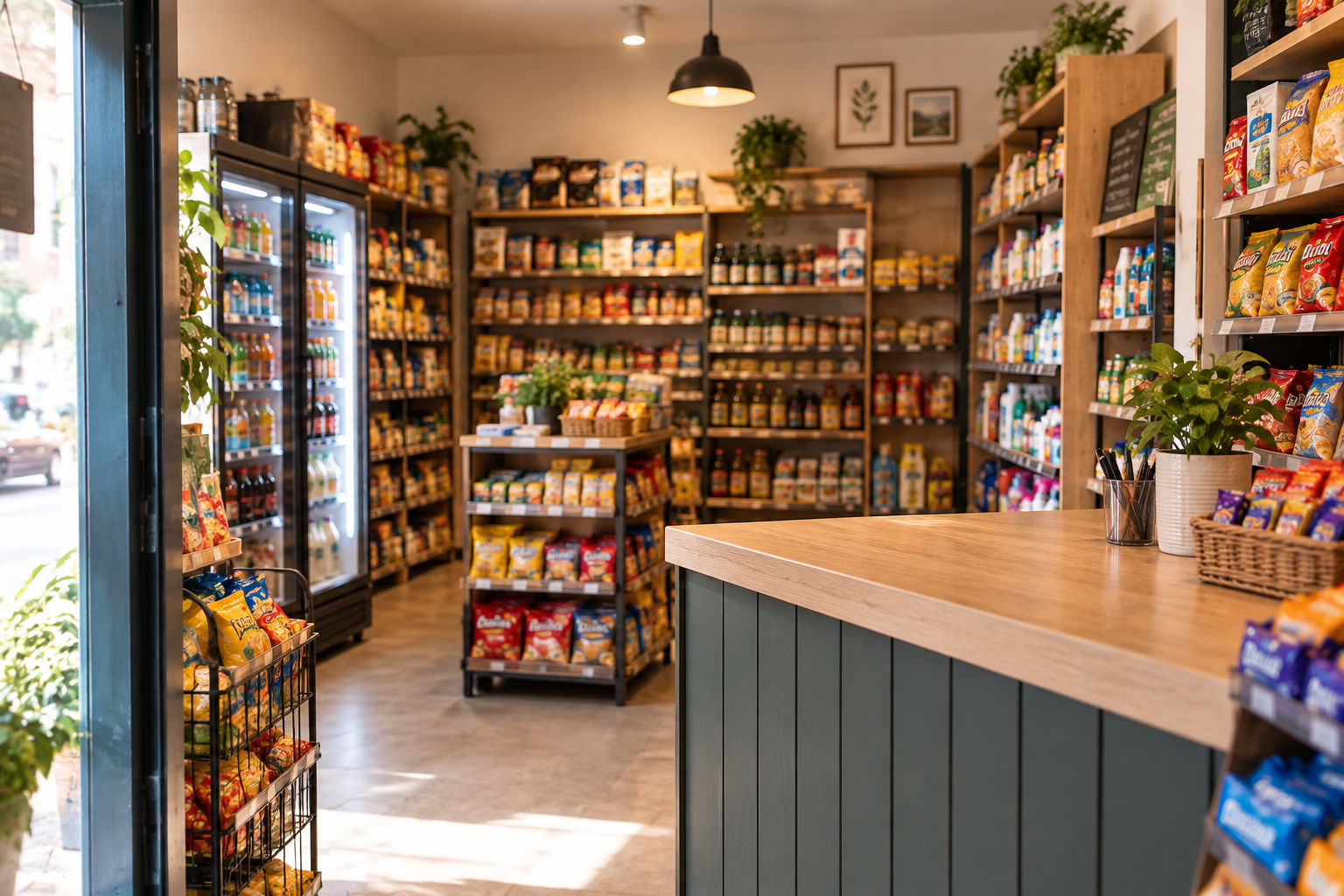
Most shop owners choose a till on the demo. The demo always looks good, because it's run by someone who uses that software every day.
What decides whether you still like it in year three is duller: how it handles multi-buys, whether the barcode scanner reads your suppliers' labels, and who answers the phone at 4pm on a Saturday.
Here are the twelve things worth checking before you commit, in the order they usually bite.
The 12-point checklist
- Product list size and import. Can it hold every line you sell, and will someone import your spreadsheet for you? Typing 2,000 products by hand is a fortnight of evenings.
- Barcode handling. Check it reads your actual supplier barcodes, including any short or non-standard ones. Ask whether you can print your own labels for unbarcoded stock.
- Variants. Size, colour and flavour should be one product with options, not forty separate lines. Clothing and homeware shops live or die on this.
- Multi-buy and promotions. Three-for-two, mix and match, staff discount, loyalty. Ask to see one built on the spot rather than shown pre-made.
- Stock control depth. Purchase orders, goods-in, low-stock alerts, stocktakes on a handheld. Our guide to retail stock control covers what good looks like.
- Speed at the counter. Time a five-item sale on the demo. Anything over about fifteen seconds will hurt on a Saturday.
- Card payments. Integrated or standalone, and at what rate. The till and the payment contract are separate decisions with separate exits.
- Staff accounts. Individual logins, permission levels, and refund or void restrictions. You want to know who did what without watching CCTV.
- Offline mode. What happens when broadband drops mid-Saturday. It should keep selling and sync afterwards.
- Reporting you'd actually open. Sales by product, by hour, by staff member, gross margin, and slow-moving stock. Ignore dashboards you'd never look at twice.
- Support. UK-based or offshore, phone or email only, and the hours. Check whether Saturday afternoon is covered, because that's when you'll need it.
- Exit terms. Contract length, notice period, price rises and what happens to your data if you leave. Run it through our contract checklist.
The four that people skip and regret
Skipped checkWhat goes wrong
Product import | You spend three weeks typing, and open with half a catalogue
Variants | Stock figures are meaningless because sizes aren't tracked separately
Offline mode | One broadband outage becomes a paper-and-pen trading day
Exit terms | You're locked in at a rising monthly fee for three more years
What hardware a small shop actually needs
The standard counter is a touchscreen terminal, a cash drawer, a receipt printer and a barcode scanner. Add a label printer if you price your own goods.
A second screen is worth it only if you regularly have two people serving at once. Most single-site independents don't need one in year one.
Wireless scanners are useful for bulky stock and stocktakes. Wired ones are cheaper and rarely run out of battery mid-queue. Options are listed on EPOS hardware.
What this looks like in a real business
An illustrative case: a gift and homeware shop with about 1,900 product lines, two staff, and a heavy November and December. All figures invented to show the shape.
The owner scores three shortlisted systems out of twelve using the list above. Two lose points immediately — one can't do mix-and-match promotions, the other has no offline mode.
The third handles variants properly, imports the supplier spreadsheet, and answers the phone from a UK number. It's not the cheapest monthly.
By the following January, the difference shows up in one report: sales by product for December, which tells her exactly what to order for the next season instead of guessing from memory.
That report is the reason to buy a till. Everything else is plumbing.
Frequently asked questions
What is the best EPOS system for a small shop in the UK?
There isn't one answer. Score the shortlist against the twelve points above, weight the ones that matter to your stock, and insist on seeing your own products on screen during the demo.
How much does a shop till system cost?
Hardware bundles and monthly software fees vary widely across UK suppliers. Zivaro bundles are a one-off purchase with software and support at £12 a month + VAT — details on retail EPOS systems.
Can I use an iPad as a shop till?
Yes, plenty of systems run on tablets. Check the drawer and printer connections, and how it copes with a scanner and a busy Saturday queue.
How long does it take to set up a shop EPOS?
Once your product list is ready, installation is often same or next day. The product data is the slow part, so start it early.
Do I need a barcode scanner?
If you carry more than a couple of hundred lines, yes. Below that, on-screen product buttons can be quicker.
Bring your product list to a demo
Send us a spreadsheet of your stock before the call and we'll load a sample of your real products into a demo till. You'll scan your own barcodes, build a multi-buy and run a report. Book a free demo and you'll get a written quote afterwards with the term and exit terms stated plainly.
More EPOS guides
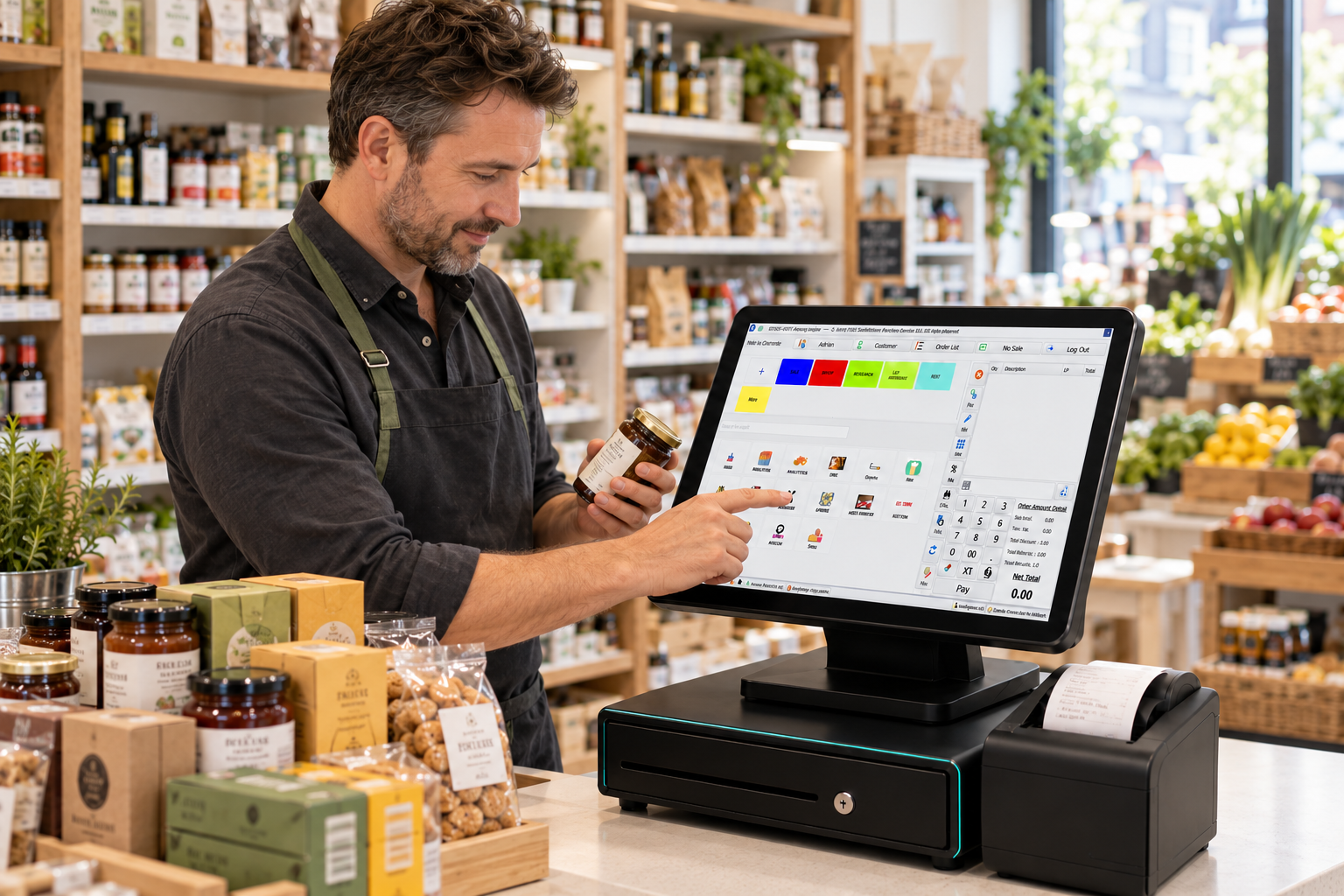
How to Identify Slow-Moving Stock with EPOS Reports
Find out how to identify slow-moving stock using EPOS reports. Learn which sales figures to check, how to spot excess inventory and what to do next, with practical examples to help your UK business make better purchasing decisions.
Read article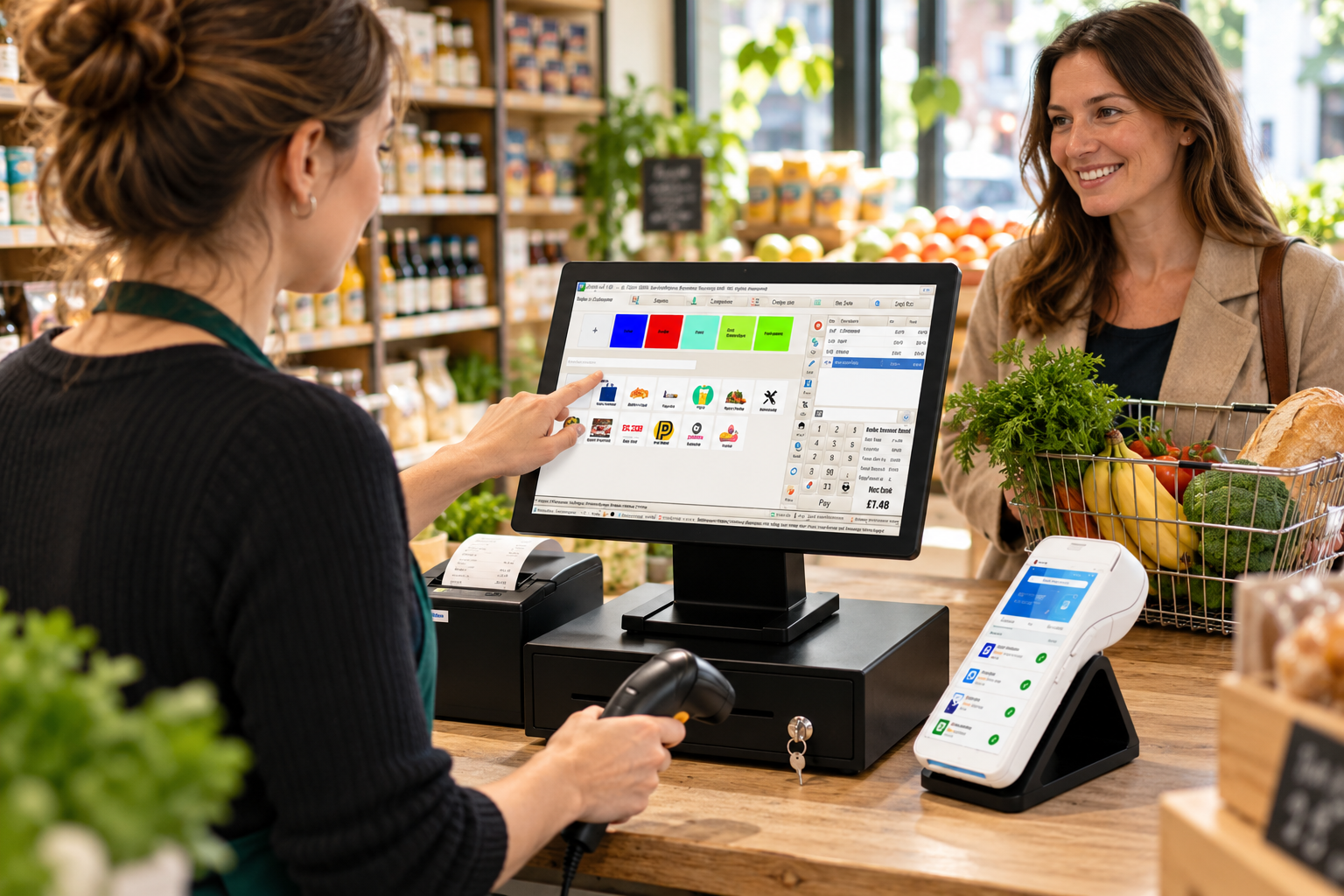
What Is an EPOS System? A Practical Guide for UK Small Businesses
What is an EPOS system, and how can it help your business? This practical guide from Zivaro explains how EPOS works, from recording sales and taking card payments to tracking stock and reviewing reports. Discover what UK shops, cafés and restaurants should consider when choosing a system.
Read article
EPOS Running Costs: What Will Your Business Pay Each Month?
Your EPOS subscription is only one part of the monthly bill. Card processing, terminal rental, integrations and everyday supplies can also affect what you pay. This Zivaro guide breaks down EPOS running costs, with a practical budget example and clear questions to help your UK business compare packages and plan ahead.
Read article