
Stock control for small shops, without spreadsheets
Most independent shops run stock on memory and a notebook. Here's how to move to a stock file that tells you what to reorder, what's not selling, and what's walking out the door.
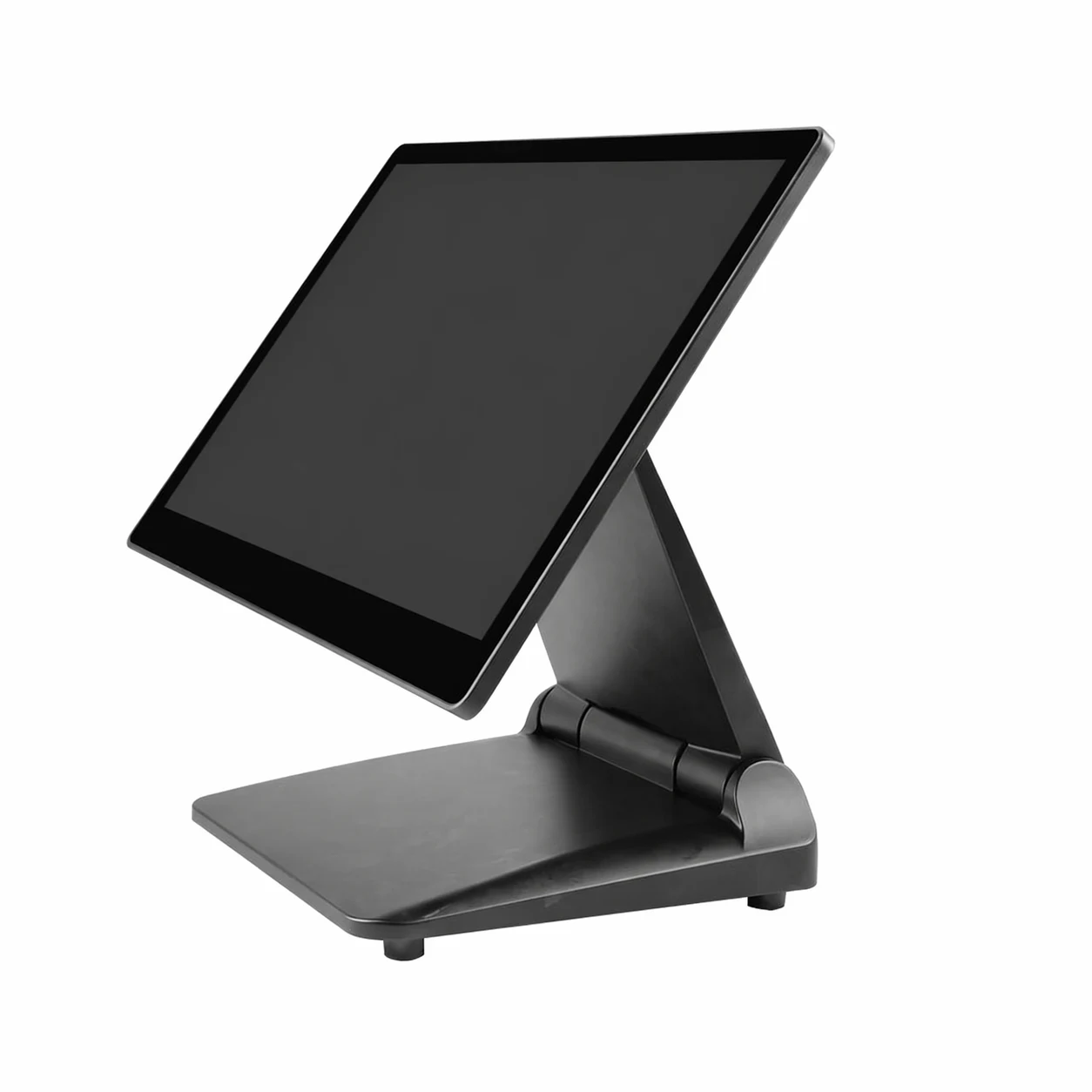
Ask most independent shop owners how much stock they're holding and you'll get a shrug and a fair estimate. Ask which twenty lines make the most gross profit and it goes quiet.
That's not carelessness — it's what happens when stock lives in your head, a notebook and a spreadsheet that hasn't been updated since the January sale. This guide covers how to move to a stock file that actually works, using the till you already have on the counter, without a fortnight of data entry.
What poor stock control costs
Four ways, and they compound:
- Lost sales. A customer wants something you'd normally have. They buy it elsewhere and often stay there.
- Dead cash. Stock that hasn't moved in six months is money sitting on a shelf instead of in your account.
- Over-ordering. Without a stock figure you order by feel, which usually means ordering what you remember rather than what sells.
- Shrinkage you can't see. Theft, breakage and admin errors are invisible until you count.
Work out your own version: take your total stock value, and estimate what proportion hasn't sold this quarter. That figure is usually the argument for doing something about it.
Start with the product file, not the counting
The instinct is to count everything first. Don't. Get the product list right, then count.
A usable product record has six fields. Anything more and you'll never finish; anything less and the reports won't help.
- Name — what a member of staff would search for, not the supplier's catalogue description
- Barcode — the manufacturer's EAN where one exists
- Cost price — what you paid, excluding VAT
- Sell price — including VAT, as displayed
- Category — keep it to 10–15 categories, not 60
- Supplier — so you can generate an order per supplier later
Cost price is the field people skip, and it's the one that unlocks every useful report. Without it your till can tell you what you sold. With it, your till can tell you what you earned.
Barcodes and the items that don't have one
Most packaged goods carry a manufacturer's barcode, and a barcode scanner turns those into a one-second sale with automatic stock deduction. Roughly a third of an average independent shop's lines won't have one — loose goods, own-made items, imports, second-hand.
Two ways to handle those:
- Printed shelf-edge or item labels from your own barcode range, which is the right answer for anything you'll sell repeatedly
- Till buttons for high-frequency, low-count items — a small grid of the fifteen things people buy constantly
Don't try to label everything on day one. Label the top hundred lines by sales volume and you'll have covered most of your transactions.
Reorder levels do the thinking for you
This is the part that changes how the shop feels to run. For each line, set a minimum level — the point at which you want to reorder — and the quantity you'd normally order.
| Line type | Sensible minimum level | Why |
|---|---|---|
| Fast seller, weekly delivery | Two weeks' average sales | Covers a missed delivery without over-stocking |
| Fast seller, monthly delivery | Six weeks' average sales | Long lead time needs a bigger buffer |
| Slow seller | One or two units | Presence on the shelf without tying up cash |
| Seasonal | Set high in season, drop to zero after | Stops the system reordering Christmas lines in February |
| Special order only | Zero, flagged as non-stock | Keeps the reorder report clean |
Once these are set, your retail EPOS system can produce a reorder list per supplier instead of you walking the shop with a notebook on a Sunday.
How to do a stocktake that's worth doing
A full count twice a year plus rolling counts in between beats one heroic annual count nobody trusts.
- Pick a time when the shop is closed or genuinely quiet, and don't take deliveries mid-count
- Count by physical area, not by category — every shelf, in order, so nothing gets counted twice or missed
- Scan rather than type wherever you can; typed counts carry typing errors
- Enter counts into the system as you go rather than transcribing later
- Review the variance report before you commit it — a variance of minus 40 on one line is usually a data error, not theft
- Commit the count and note the date. That date is your new baseline
Rolling counts are the quiet trick: count one category a week. Twelve weeks in, you've counted the whole shop without ever closing it, and you'll spot problems while they're still small.
Reading the variance without panicking
Your first stocktake will show discrepancies. That's expected and it isn't necessarily theft. In rough order of likelihood:
- Goods received but never entered onto the system
- Items sold under the wrong button or a generic "miscellaneous" key
- Breakages and waste that were never written off
- Multi-buys and staff discounts recorded inconsistently
- Genuine shrinkage
Fix the process problems first — a "goods in" routine, a waste button on the till, individual staff logins — and count again. Whatever's left after that is worth investigating properly.
What this looks like in a real shop
A gift shop carrying about 900 lines runs its first proper count and finds around £2,100 of stock it believed it had and doesn't. Digging in, most of it is two categories where staff had been using a generic till button during busy Saturdays, so the system never deducted the right item.
The fix costs nothing: the top forty lines in those categories get their own buttons, the generic key is removed, and the owner sets a rolling count of one category a week. By the next full count the unexplained variance is a fraction of the first figure — and the reorder report is trustworthy for the first time.
If you also sell online
Two stock lists is one too many. The moment you're selling the same items in the shop and on a website, you need one number that both draw from, otherwise you'll sell something online that went out of the door an hour earlier.
Check that any system you're considering can keep shop and website stock in one place, and ask specifically how often it syncs and what happens to an oversell.
Frequently asked questions
How do I get all my products into an EPOS system?
Most systems import from a spreadsheet, so you can build the list in stages rather than typing at the till. Start with your top 100 sellers, get those right, and add the long tail over the following weeks. A good provider will do the initial import for you from whatever format you've got.
How often should a small shop do a stocktake?
A full count twice a year, plus rolling counts of one category a week, works well for most independents. Anything less frequent and the numbers drift too far to be useful; anything more frequent and you'll stop doing it. High-value or high-theft categories deserve more attention than the rest.
Can an EPOS system tell me which products make me the most profit?
Yes, provided you've entered cost prices. The report you want is gross profit by product over a period, not units sold — the two lists are often very different, and the second one is the one that pays your rent.
Do I need a barcode scanner for stock control?
Not strictly, but it changes everything about how quickly counting and selling happen, and it removes typing errors. A scanner is one of the cheapest items in an EPOS hardware setup and usually the one owners say made the biggest daily difference.
Make a start on one category
You don't need a perfect stock file. You need one category counted, priced with cost prices, and set up with reorder levels — then you'll see what the rest is worth.
If you'd like to see how it works with your own products, book a free demo. Send over a spreadsheet or a supplier invoice and we'll load a sample of your real lines, so you can see the reorder report and the profit report with your own numbers in them. UK-based team, about twenty minutes, no obligation.
More EPOS guides

EPOS Running Costs: What Will Your Business Pay Each Month?
Your EPOS subscription is only one part of the monthly bill. Card processing, terminal rental, integrations and everyday supplies can also affect what you pay. This Zivaro guide breaks down EPOS running costs, with a practical budget example and clear questions to help your UK business compare packages and plan ahead.
Read article
POS Warranty and Guarantee: A Practical Guide for UK Businesses
What does your POS warranty actually cover? This guide from Zivaro explains what UK businesses should check before buying, from equipment protection and repair arrangements to support hours, exclusions and cancellation terms. Learn which questions to ask and what to do if your EPOS system develops a fault.
Read article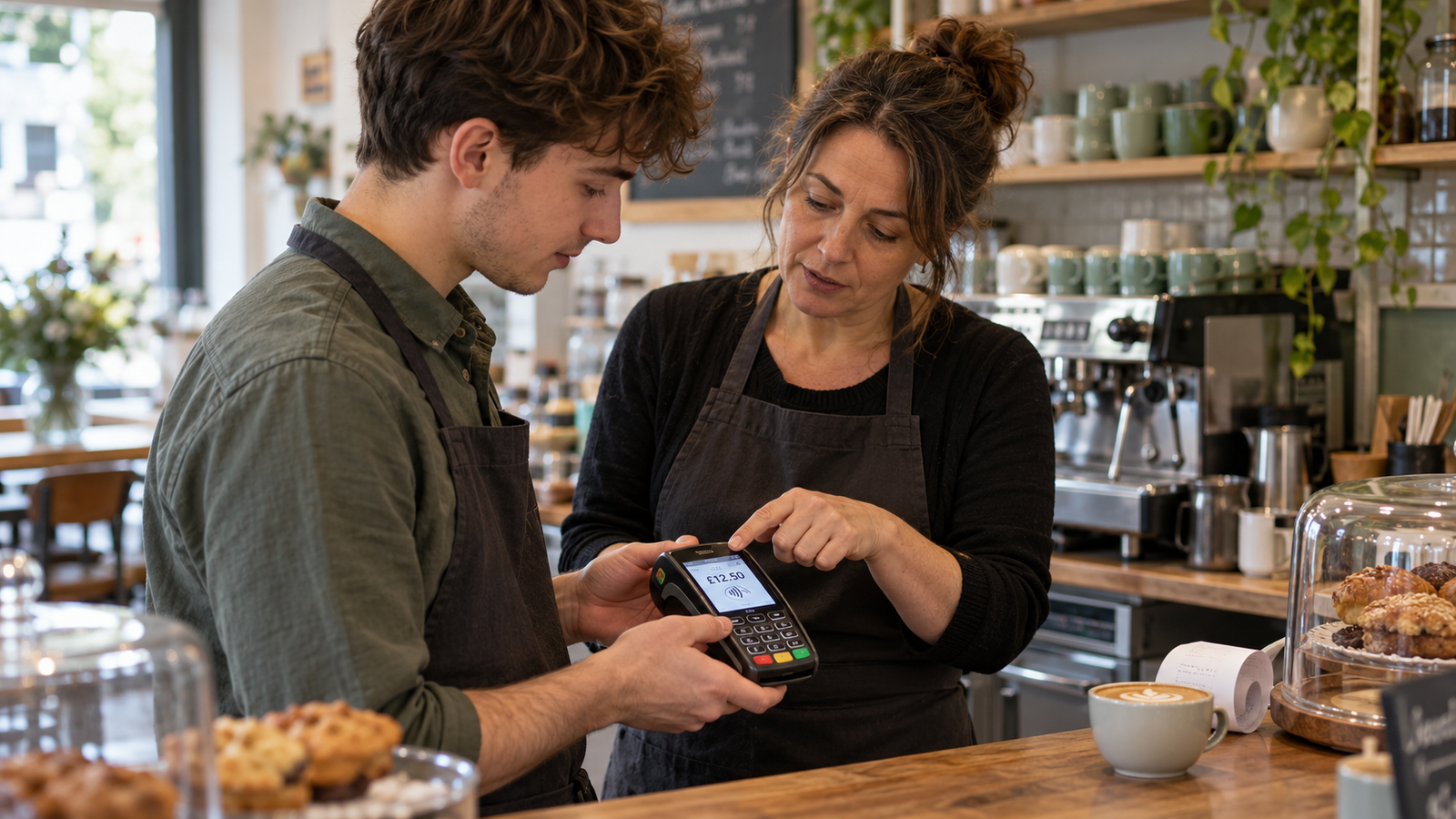
How to Train Temporary Staff to Take Card Payments Confidently
Help temporary staff take card payments confidently from their first shift. This practical guide covers checking amounts, confirming payments, handling declines and knowing when to ask for help, with everyday examples for UK shops, cafés, restaurants and takeaways.
Read article