
What Is an EPOS System and How Does It Work?
A traditional till may still be enough for a business with very few products and simple reporting needs. As the number of transactions, products or locations grows, an EPOS system usually provides more control and visibility.
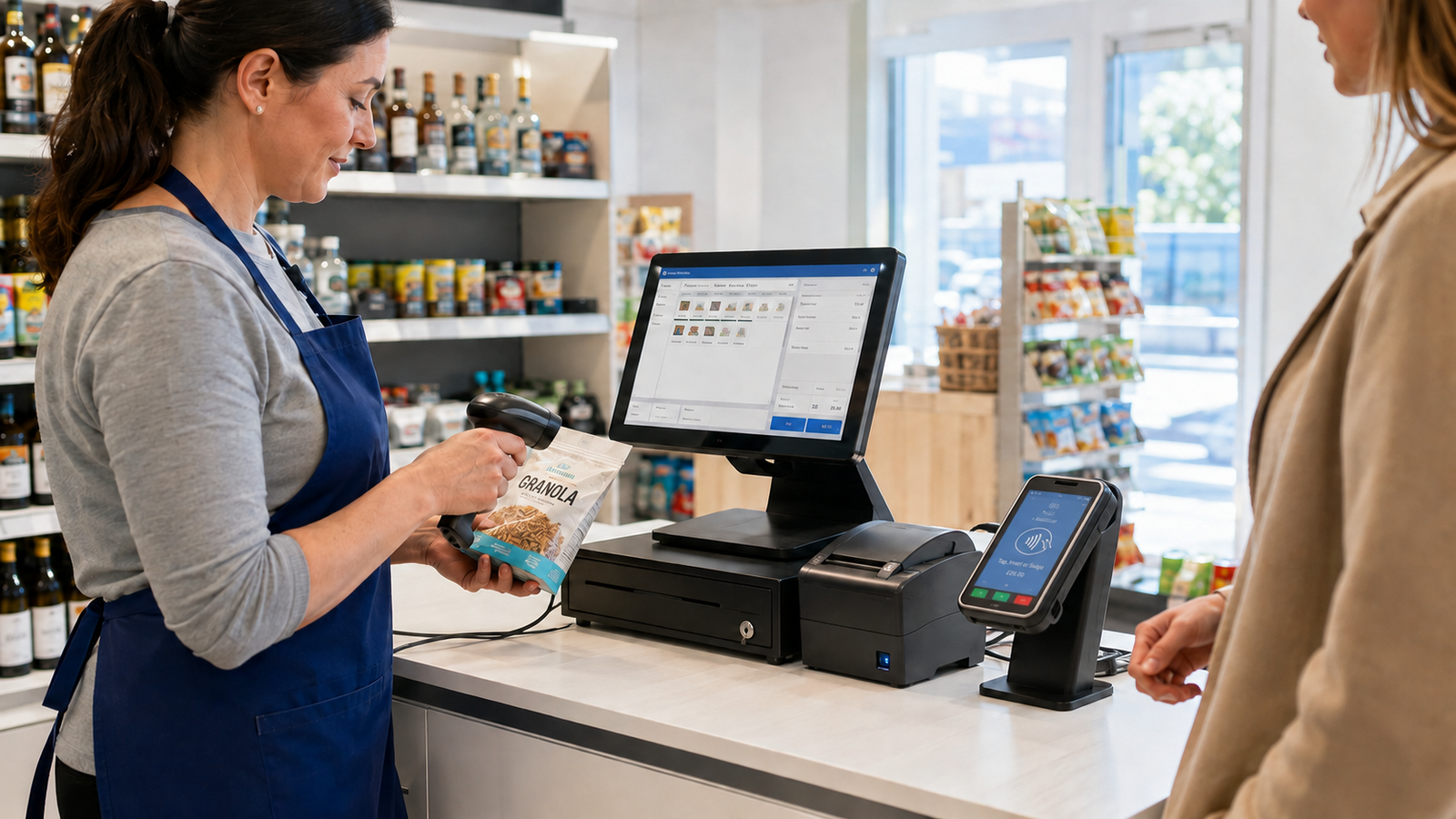
An EPOS system is a combination of hardware and software used to process sales, take payments, update stock and record business activity. When a customer buys something, the system calculates the total, processes the chosen payment and saves the transaction. It can then update inventory, produce a receipt and add the sale to your reports. This gives you a clearer view of what’s happening across your business.
What does EPOS mean?
EPOS stands for Electronic Point of Sale. It describes the technology a business uses to record a sale at the point where the customer pays.
The “point of sale” could be a counter in a convenience store, a table in a restaurant or a collection desk in a takeaway. The electronic part means the transaction is processed and stored through software rather than being recorded only on a basic cash register.
An EPOS system does more than calculate a total. It can connect the sale with your stock, card payments, customer records and business reports.
That connection is what makes it useful. Instead of keeping separate notes for sales, stock and payments, you can manage them through one system.
How does an EPOS system work?
An EPOS system follows a series of connected steps. The exact process depends on the type of business, but the basic flow is similar.
1. A product or service is added to the sale
A member of staff scans a barcode, taps a product button or searches for an item on the touchscreen.
In a restaurant, this might mean selecting a table and adding meals or drinks. In a grocery shop, it could involve scanning several products and entering the weight of loose produce.
2. The system calculates the total
The EPOS software adds the prices and applies any relevant VAT settings, discounts, promotions or service charges. If a shop is running a multi-buy offer, the system can apply it automatically when the qualifying products are added. This reduces the need for staff to remember every current promotion.
3. The customer chooses how to pay
The customer might pay by cash, card, gift voucher or another payment method accepted by the business.
With integrated card payments, the till sends the transaction value directly to the card terminal. Staff don’t have to type the amount into a separate keypad.
For example, if the total is £18.45, that amount appears automatically on the card machine. This can make checkout faster and reduce mistakes caused by entering the wrong figure.
4. The transaction is recorded
Once payment is completed, the EPOS system saves the sale. It records information such as:
- The products or services sold
- The transaction time
- The payment method
- Discounts applied
- The staff member who processed it
- The VAT information
- The location or register used
The customer can then receive a printed or digital receipt, depending on the setup.
5. Stock and reports are updated
If stock control is enabled, the quantities sold are deducted from the inventory records. Suppose a convenience store starts the day with 24 bottles of a particular drink and sells six. The system should then show 18 remaining, provided all sales and stock movements have been recorded correctly.
The transaction also feeds into the business reports. An owner can review sales by day, product, category, payment method, staff member or branch.
What can an EPOS system do?
The main purpose of an EPOS system is to process and record sales. However, modern systems can support several other parts of a business.
- Process transactions
Staff can add products, adjust quantities, apply authorised discounts and accept different payment types.
A well-configured screen can also make frequently sold items easier to find. This is particularly useful in busy cafés, pubs and takeaways.
- Manage stock
An EPOS system can reduce stock as products are sold and increase it when new deliveries are received.
Depending on the software, you may also be able to:
- Set low-stock alerts
- Record wastage
- Complete stocktakes
- Track stock transfers
- Review slow-moving products
- Compare expected stock with the physical count
Stock information is only reliable when the product data and daily processes are accurate. Unrecorded waste, supplier shortages or products leaving the business without being scanned can still create differences.
Produce sales reports
EPOS reporting helps you understand what was sold, when it was sold and how the customer paid.
For example, a café owner might discover that hot food performs well between noon and 2 pm, while cake sales rise later in the afternoon. That information could help with preparation and staffing decisions.
Reports can also highlight refunds, voided transactions, discounts and differences between payment methods.
Connect sales and card payments
A standalone card machine and till operate separately. Staff enter the sale into the till and then type the total into the terminal. An integrated setup connects the two. The payment amount is transferred automatically, and the card result is returned to the EPOS system.
This can make end-of-day reconciliation easier because the till records and card transactions are more closely connected.
Manage staff access
Different employees can have different permissions. A cashier may be able to process normal sales, while refunds, price changes and reports require a manager’s approval.
This gives the owner more control over sensitive actions. It can also create a clearer record of who completed each transaction.
Support more than one location
A multi-location EPOS system can give an owner a combined view of different branches.
Products, prices and reports may be managed centrally, while each shop continues processing its own transactions. Some systems also support stock transfers between locations.
How different businesses use EPOS systems
The basic technology is similar, but the workflow changes between industries.
Retail shops
A retail EPOS system normally focuses on fast barcode scanning, stock control, supplier deliveries, product pricing and promotions. A grocery shop may have thousands of products. Scanning barcodes is much faster than searching for each item manually, while stock records help the owner identify what may need reordering.
Restaurants, cafés and bars
A hospitality EPOS system may include table plans, menu modifiers, kitchen printing and split payments.
For example, a server can open a table, add meals and record requests such as “no onions” or “extra cheese”. The order can then be sent to the correct kitchen printer or display.
Takeaways
A takeaway needs an order flow that remains easy to use during busy periods.
The system may separate collection, delivery and walk-in orders. It can also send different items to specific preparation areas. Zivaro’s takeaway EPOS solutions are designed around this type of fast order process.
EPOS system versus a traditional till
A traditional till mainly records payments and stores cash. An EPOS system connects each transaction with wider business information.
A traditional till may still be enough for a business with very few products and simple reporting needs. As the number of transactions, products or locations grows, an EPOS system usually provides more control and visibility.
Does an EPOS system need the internet?
It depends on the system. Cloud-based EPOS software normally uses the internet to synchronise information with an online dashboard or other devices.
Some systems offer an offline mode that allows basic trading to continue if the connection drops. Transactions are stored locally and synchronised when the connection returns.
However, certain functions may remain unavailable while offline. Card terminals may also have their own connectivity requirements.
Before choosing a system, ask the provider what happens when:
- The broadband connection fails
- The local network stops working
- The cloud service is unavailable
- The card terminal loses its connection
- The main till hardware fails
Don’t settle for a general statement that the system “works offline”. Ask which exact features remain available and how the stored information is synchronised afterwards.
How to choose the right EPOS system
Start with the way your business works rather than a long list of features. Think about what happens from the moment a customer orders to the point where you close the till. Where do staff lose time? Which mistakes occur repeatedly? What information do you struggle to find?
Your checklist may include:
- The number of products or menu items
- Barcode, scale or label requirements
- Table service and kitchen printing
- Card machine integration
- Stock control
- Staff permissions
- Multi-location management
- Online and in-store sales
- Reporting requirements
- Installation and training
- Support availability
- Contract length and total cost
Ask for a demonstration using examples from your own business. A generic sales presentation may look impressive, but seeing your products, menu or typical transaction is much more useful.
Zivaro provides EPOS systems for UK retail and hospitality businesses, including hardware, stock tools, reporting and integrated payment options. The system can be configured around the way your shop, restaurant, café or takeaway operates.
See how an EPOS system would work in your business
Understanding what an EPOS system does is useful, but the real test is whether it fits your daily workflow.
Zivaro helps UK retail and hospitality businesses manage sales, stock, reporting and card payments through one connected EPOS platform.
Book a free EPOS demonstration to see how the system could work with your products, menu and staff processes.
Frequently asked questions
What is an EPOS system in simple terms?
An EPOS system is a digital till that records sales and connects them with payments, stock and reports. It normally includes software, a touchscreen or tablet and any additional hardware your business needs.
What does EPOS stand for?
EPOS stands for Electronic Point of Sale. It refers to the system used to process and record a sale when a customer pays.
Is an EPOS system the same as a card machine?
No. An EPOS system records the overall sale, while a card machine processes a card payment. The two can be integrated so the till sends the correct amount directly to the terminal.
Can an EPOS system track stock?
Yes. An EPOS system can reduce stock when products are sold, record deliveries and support stocktakes. The information will only be accurate if products, deliveries, waste and adjustments are recorded correctly.
Can I use an EPOS system for more than one shop?
Yes, some EPOS systems support multiple locations. They can provide central product management, branch-level stock information and combined sales reporting, depending on the software.
How much does an EPOS system cost?
The cost depends on the hardware, software, number of tills, payment setup, required features and support package. Compare the complete cost rather than looking only at the advertised monthly fee or hardware price.
More EPOS guides

EPOS Running Costs: What Will Your Business Pay Each Month?
Your EPOS subscription is only one part of the monthly bill. Card processing, terminal rental, integrations and everyday supplies can also affect what you pay. This Zivaro guide breaks down EPOS running costs, with a practical budget example and clear questions to help your UK business compare packages and plan ahead.
Read article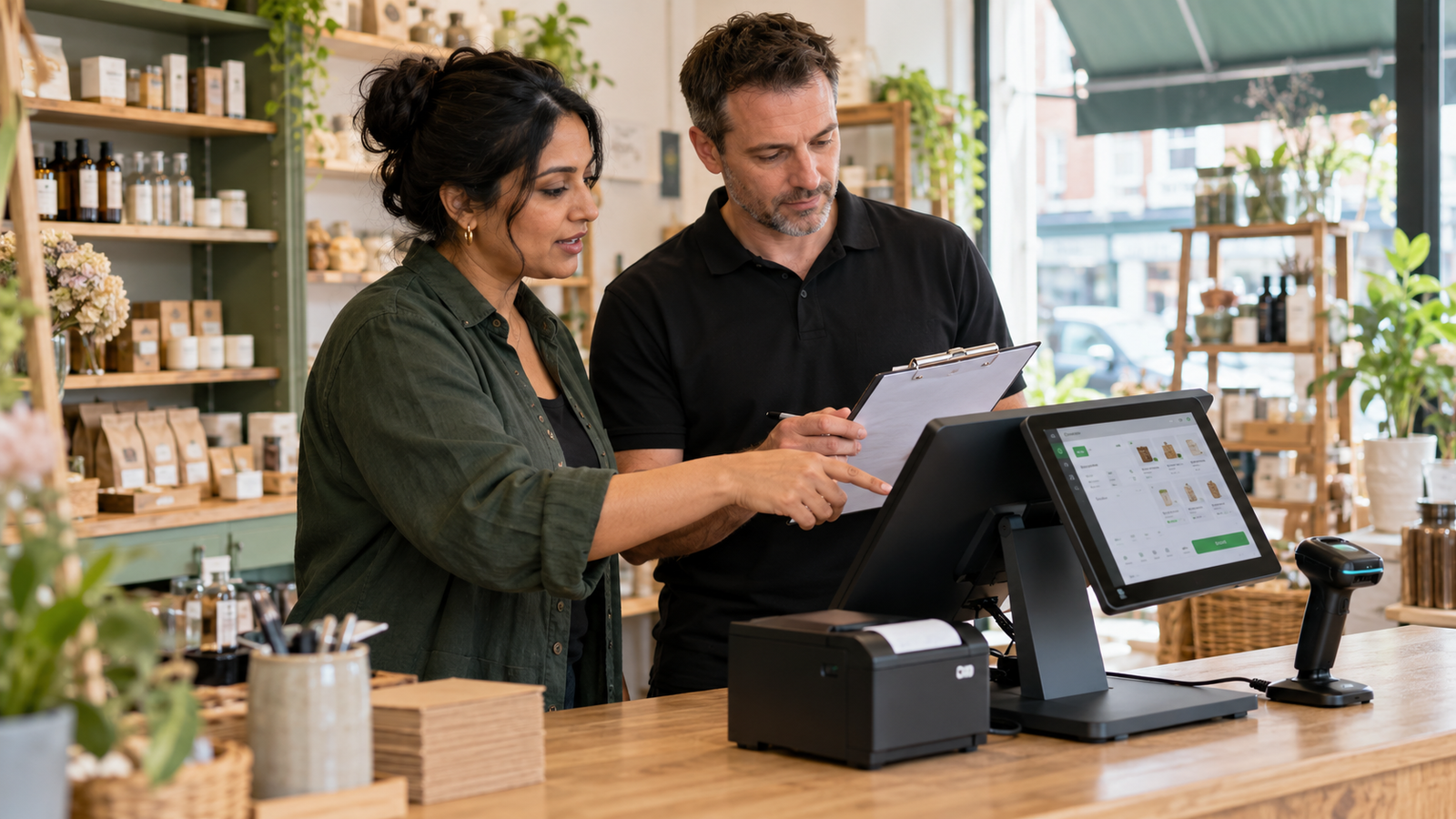
POS Warranty and Guarantee: A Practical Guide for UK Businesses
What does your POS warranty actually cover? This guide from Zivaro explains what UK businesses should check before buying, from equipment protection and repair arrangements to support hours, exclusions and cancellation terms. Learn which questions to ask and what to do if your EPOS system develops a fault.
Read article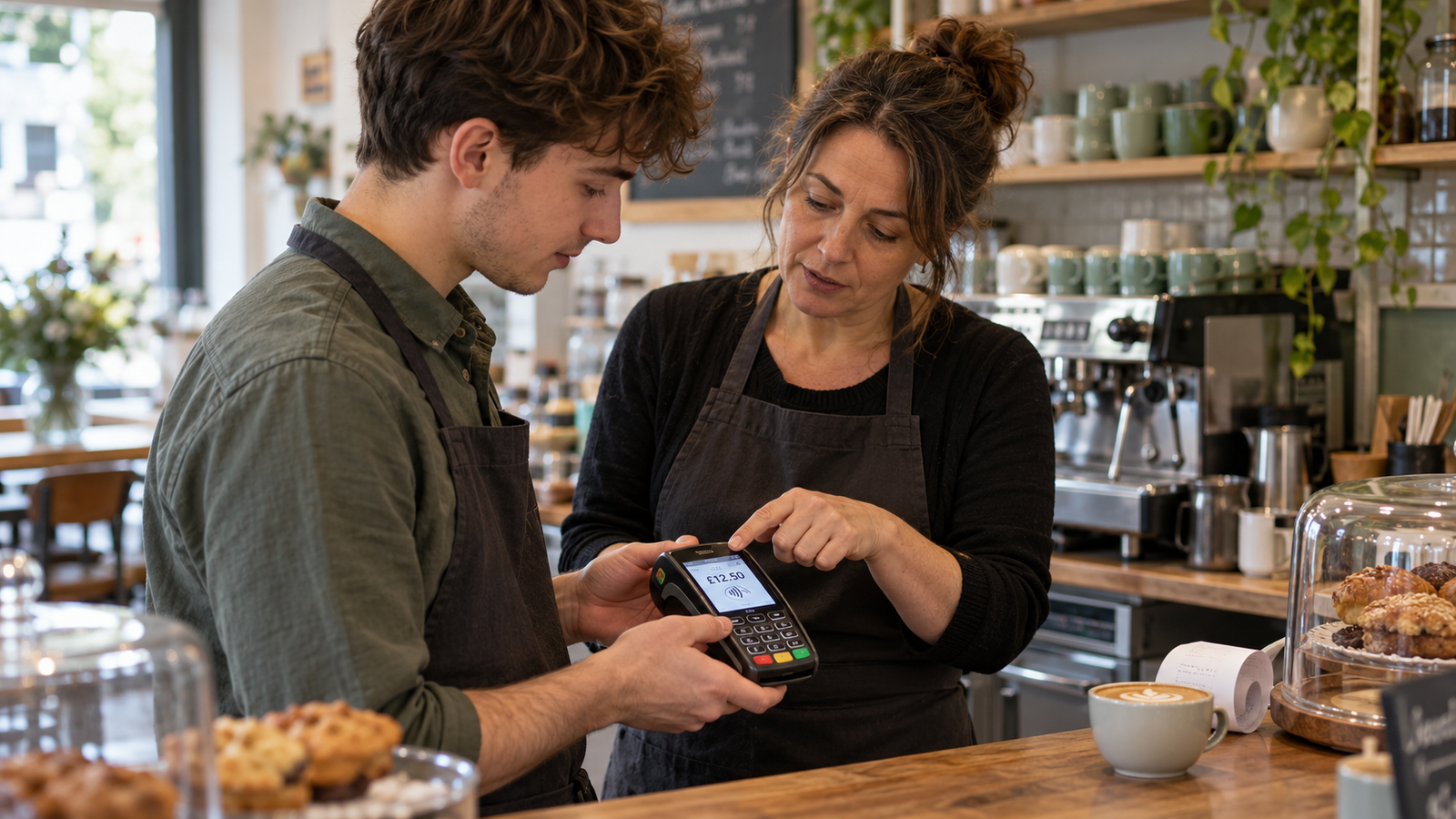
How to Train Temporary Staff to Take Card Payments Confidently
Help temporary staff take card payments confidently from their first shift. This practical guide covers checking amounts, confirming payments, handling declines and knowing when to ask for help, with everyday examples for UK shops, cafés, restaurants and takeaways.
Read article